
Forager
Year
2025
Medium
UI/UX, 3D, Interaction
Tools
Cinema 4D, After Effects
Duration
~2 Months
An animated prototype of an interactive website concept designed to to teach users about the interesting uses and characteristics of several different mushrooms through an interactive 3D forest.
Overview
Mushrooms and fungi tend to have a poor reputation due their role in the ecosystem as decomposers, their association with drugs and psychedelics, and tendency to be poisonous.
Forager aims to educate users about different types of mushrooms, along with their various uses. Forager presents mushrooms in a safe and educational setting where users can learn at their own pace and discover the fascinating truth behind these unique specimens.
Design Opportunities
How can we inform users on the uniqueness and usefulness of mushrooms in an educational and positive setting?
Facts and information can be laid out in a simple and consistent manner to easily read, understand, and digest.
How can we present the different mushrooms as unique, interesting, and fascinating, rather than gross or scary?
A simple, low-poly style can visually engage users and present a safe and calming environment to learn at their own pace.
How can we engage users in learning about this topic in a unique and creative way?
Mushrooms are tracked when collected, encouraging users to read about each one for total completion.
Target Audience
By doing so, we are able to further develop our design to touch on key aspects that these hypothetical people are seeking, and pain points that they may be trying to avoid.
The next step was to find out who Forager is designed for by creating user personas and scenarios in which they would use the experience, and what they desire to get out of it.
The Curious Student
Needs:
A unique and memorable way to learn about the topic.
An engaging method to invest them in the subject matter.

The Humble Indoorist

The Skeptic Hiker

Needs:
A method of learning about mushrooms from the comfort of their own home.
An experience that can function intuitively on their home laptop or computer.
Needs:
A way to learn about mushrooms in a comfortable and educational manner.
Information that presents mushrooms as fascinating and interesting rather than gross or scary.
UX Trend Research
Here are a few examples of pre-existing websites I looked at for UI, UX, and interaction inspiration:
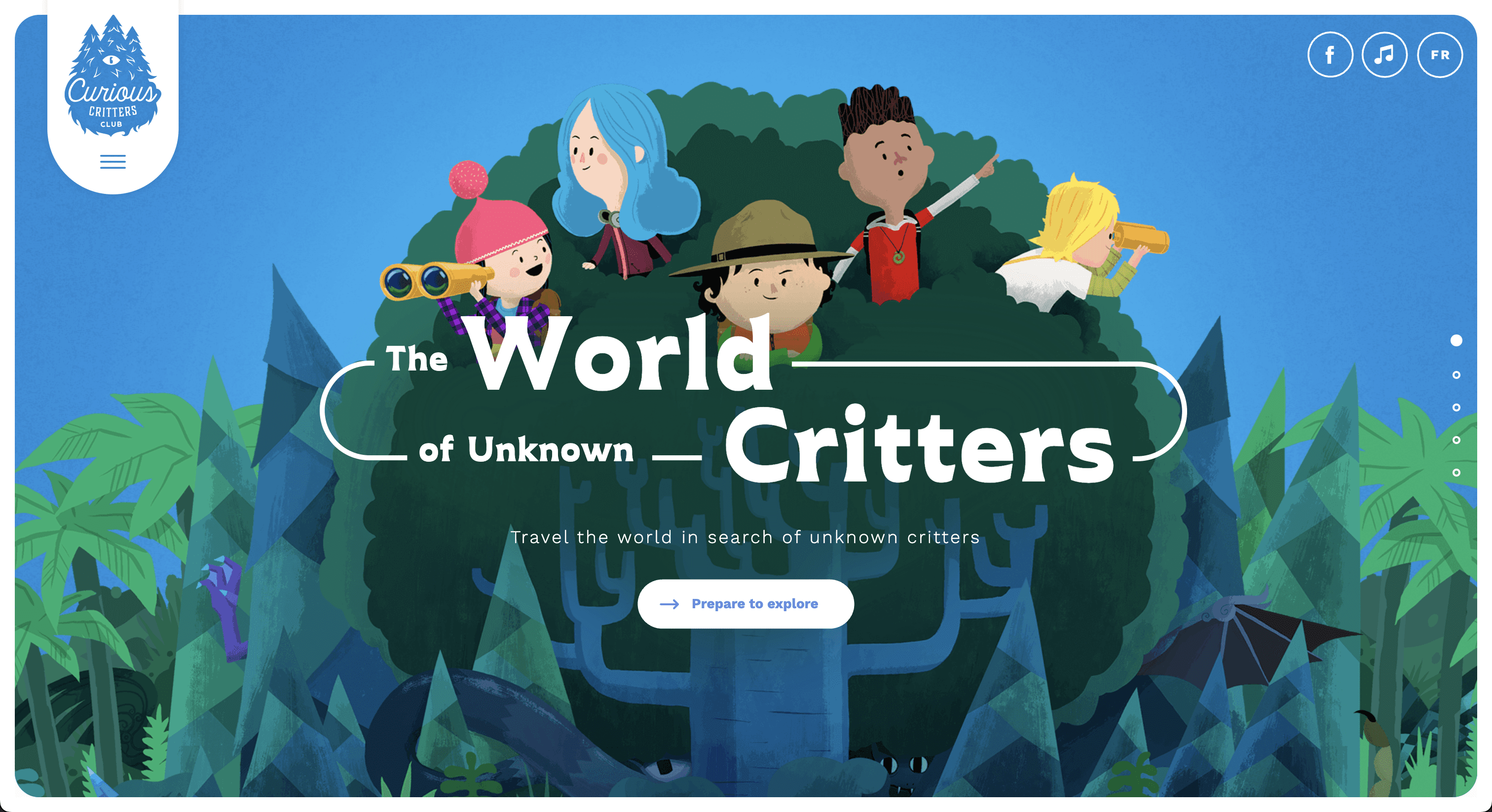
The World Of Unknown Critters
The World Of Unknown Critters is an interactive website that allows users to travel the world and discover different cryptids and mythological creatures from different areas.
I used this example as inspiration for both my low-poly visual style, and the way in which the user navigates through a flow of slides to learn information about a given example.
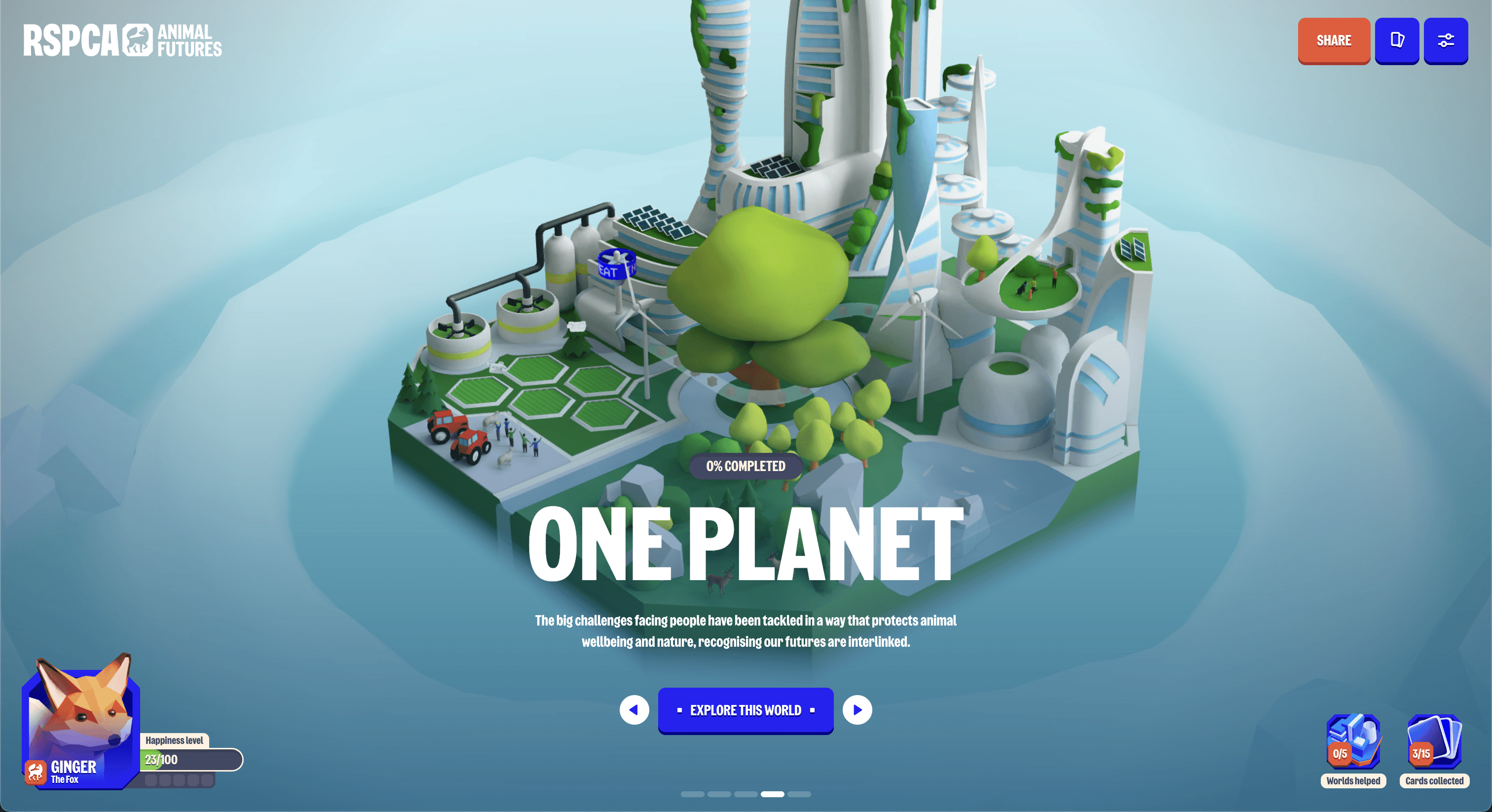
Animal Futures
Animal Futures is a 3D interactive website that presents five hypothetical futures and their impact on groups of animals.
I used this example as inspiration for the perspective of the 3D forest, as well as how to handle hotspots. I also took inspiration from the “happiness level” for the “mushrooms collected” tracker, as incentive for the user to keep exploring.
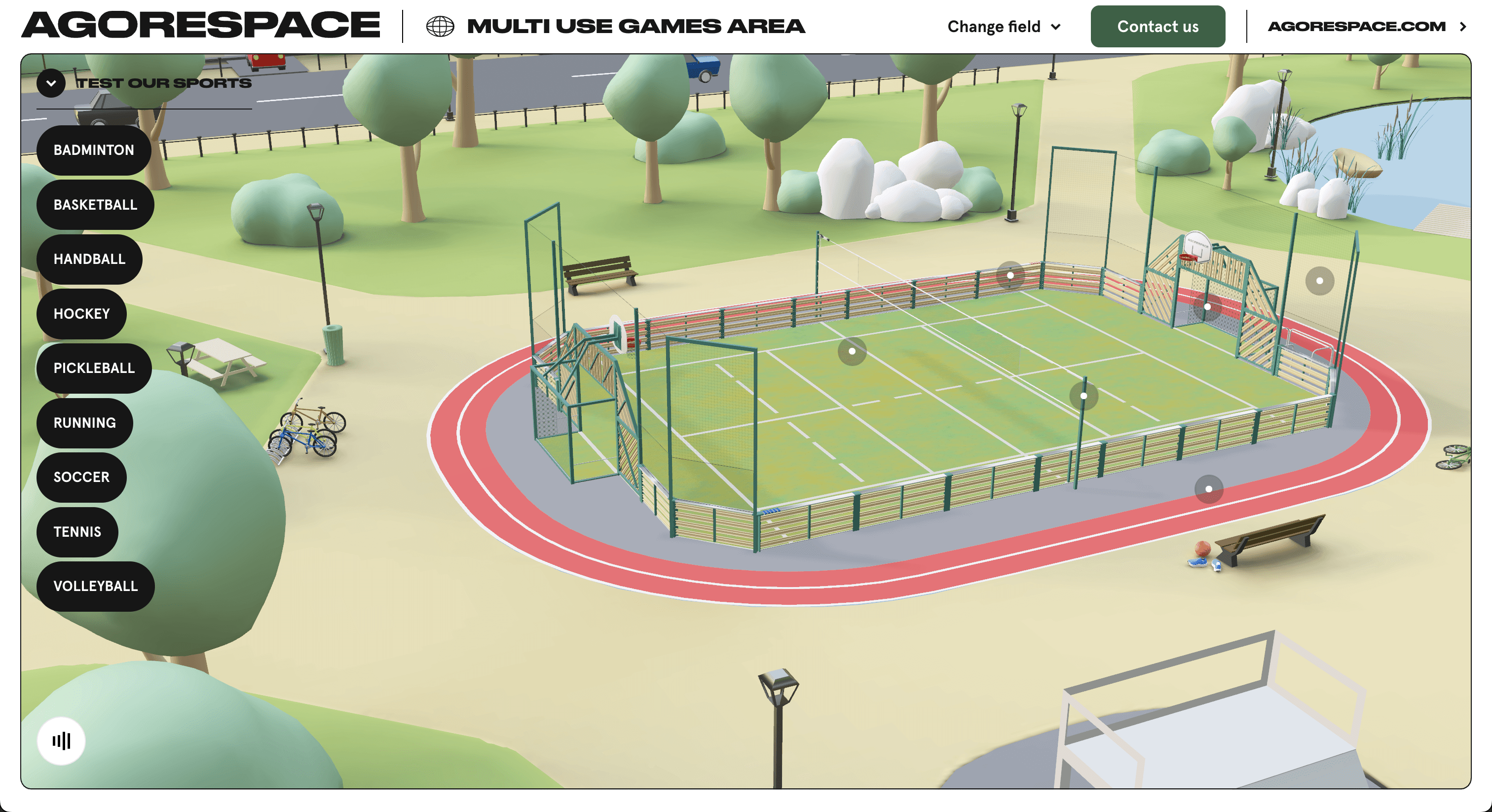
Agorespace 3D Courts
Agorespace offers flexible multi-sport fields for all ages. This website presents 3D mockups of two of their fields.
I used this example as inspiration for my “drag to rotate” based navigation around the forest, as well as the idea of zooming in on a hotspot when clicking it, alongside a card that prompts the user to read more.
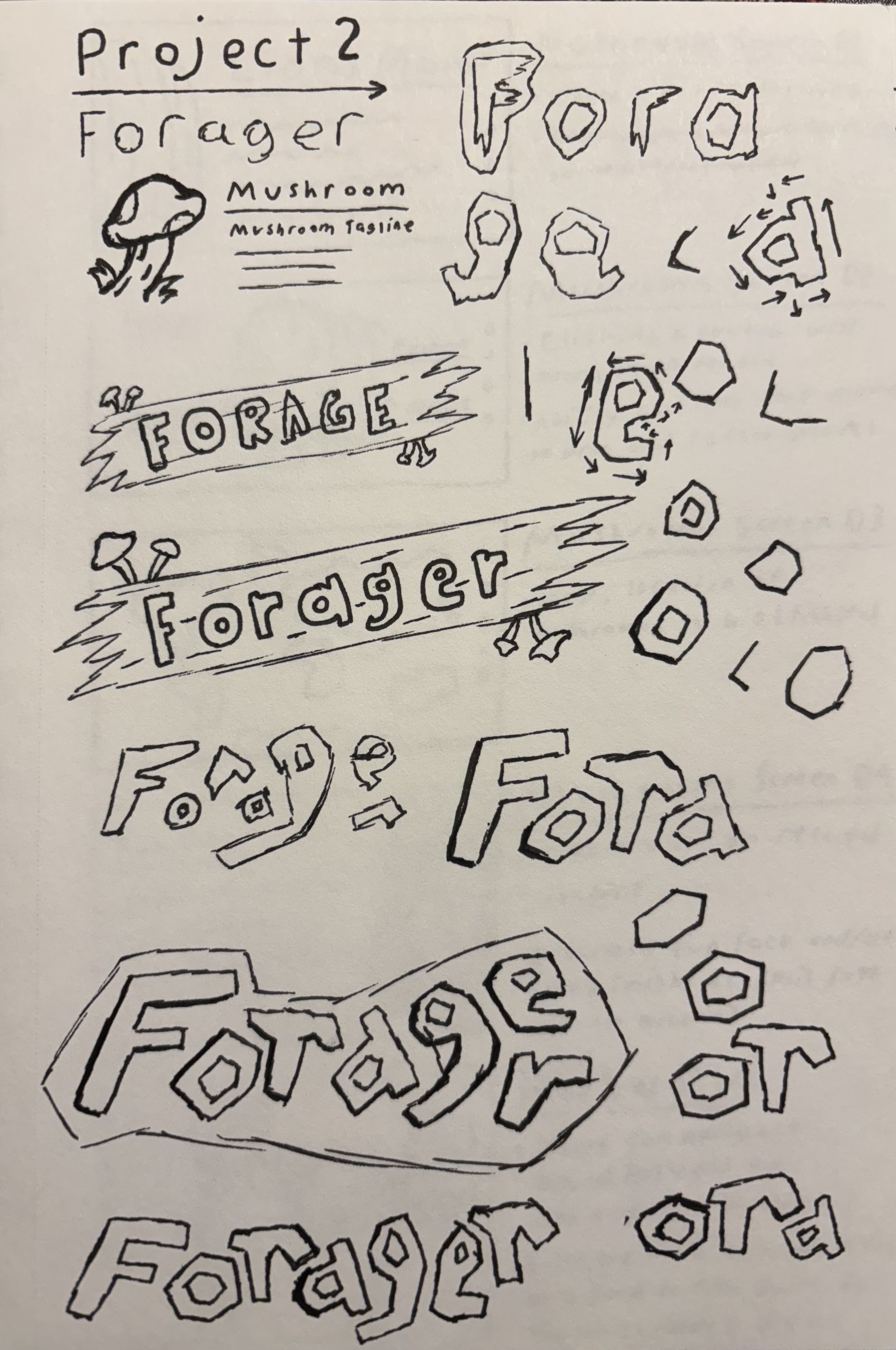
Ideation
Sketches
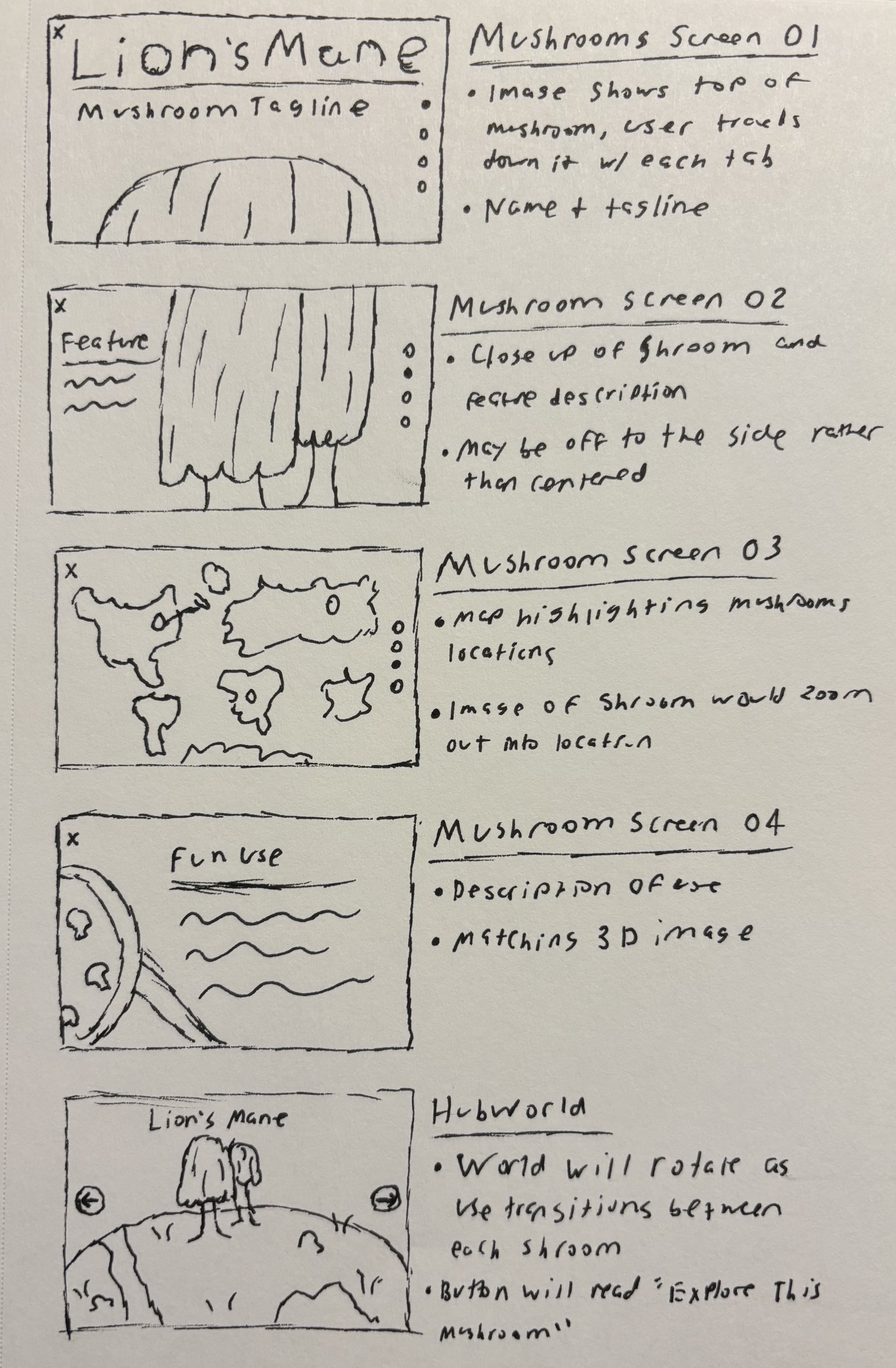
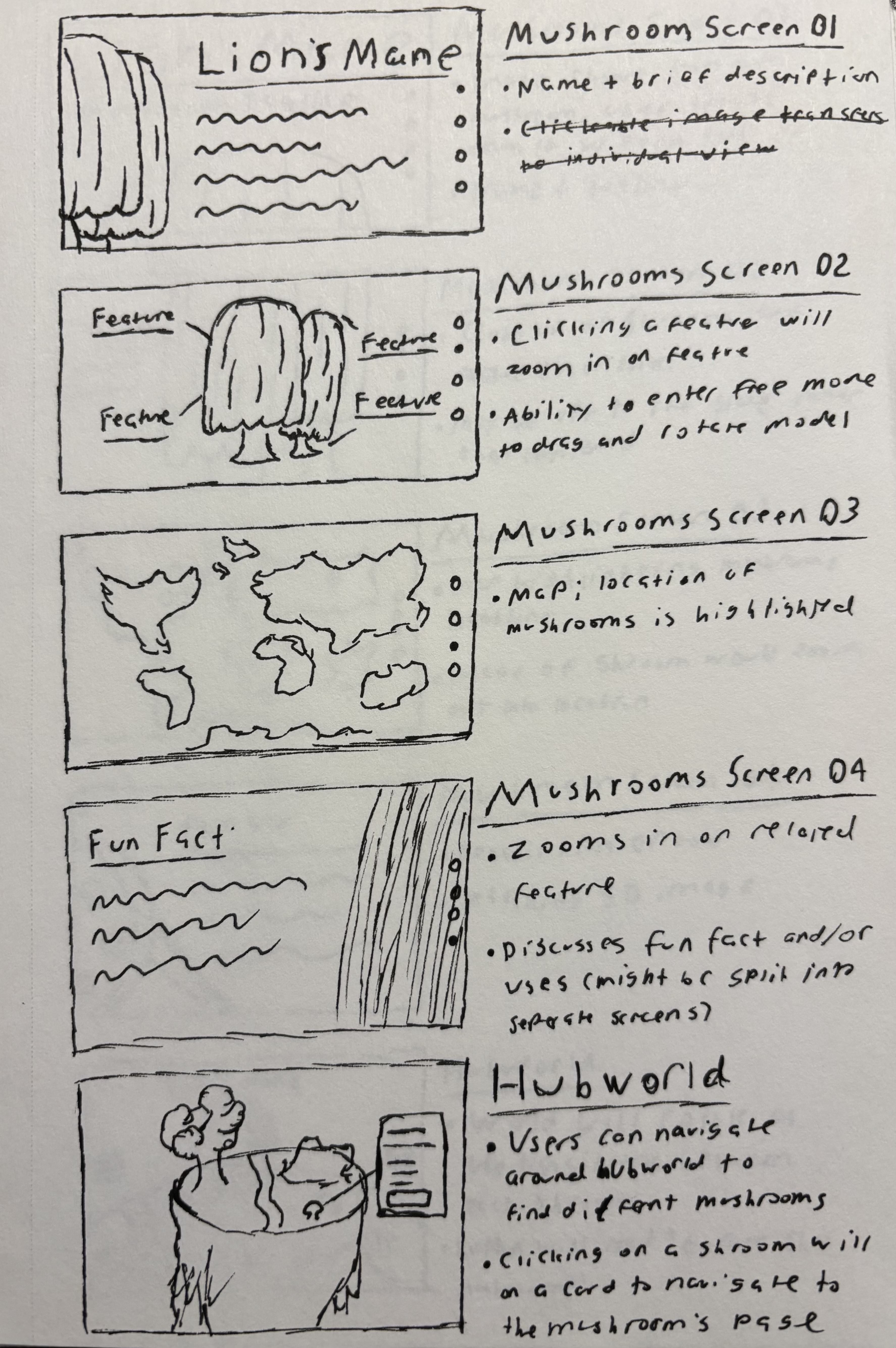
Inital Assets





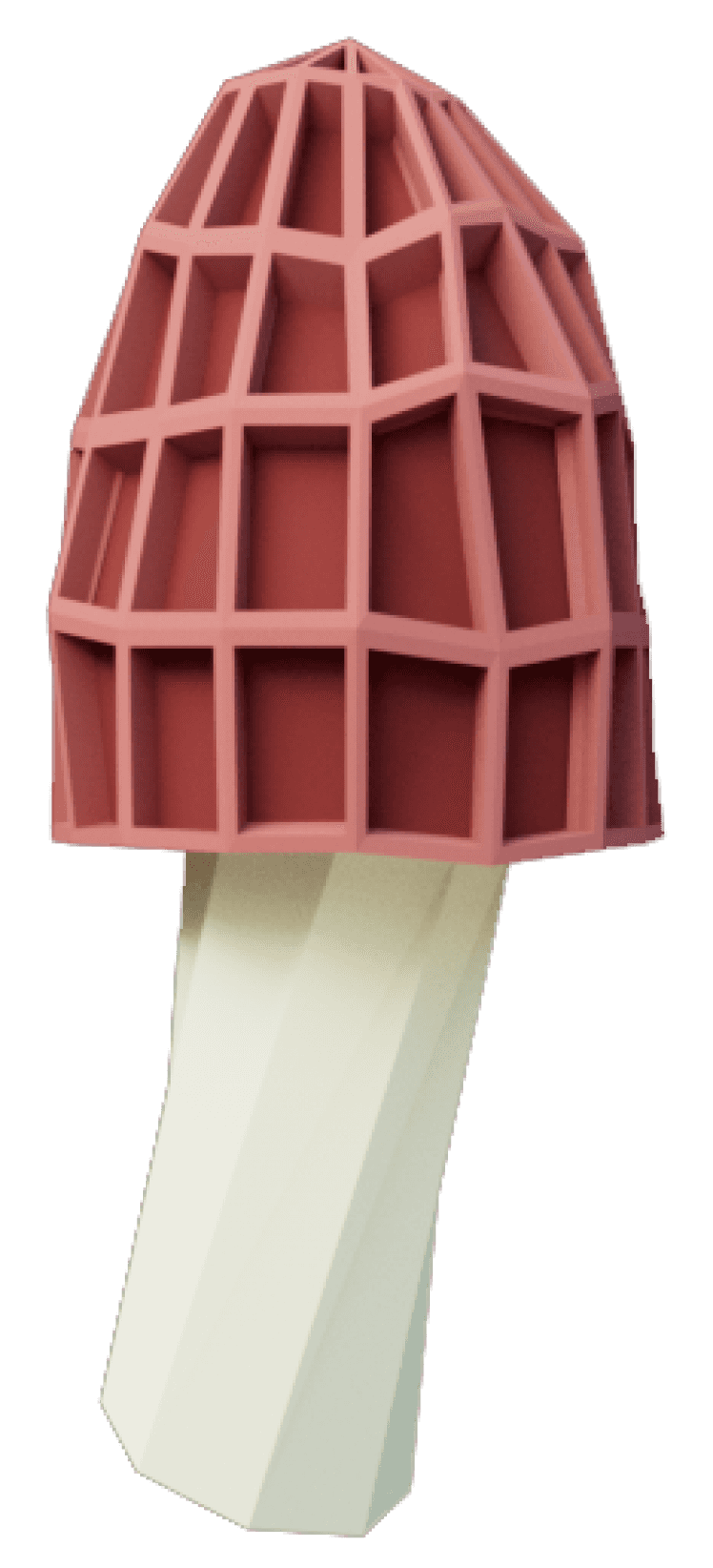
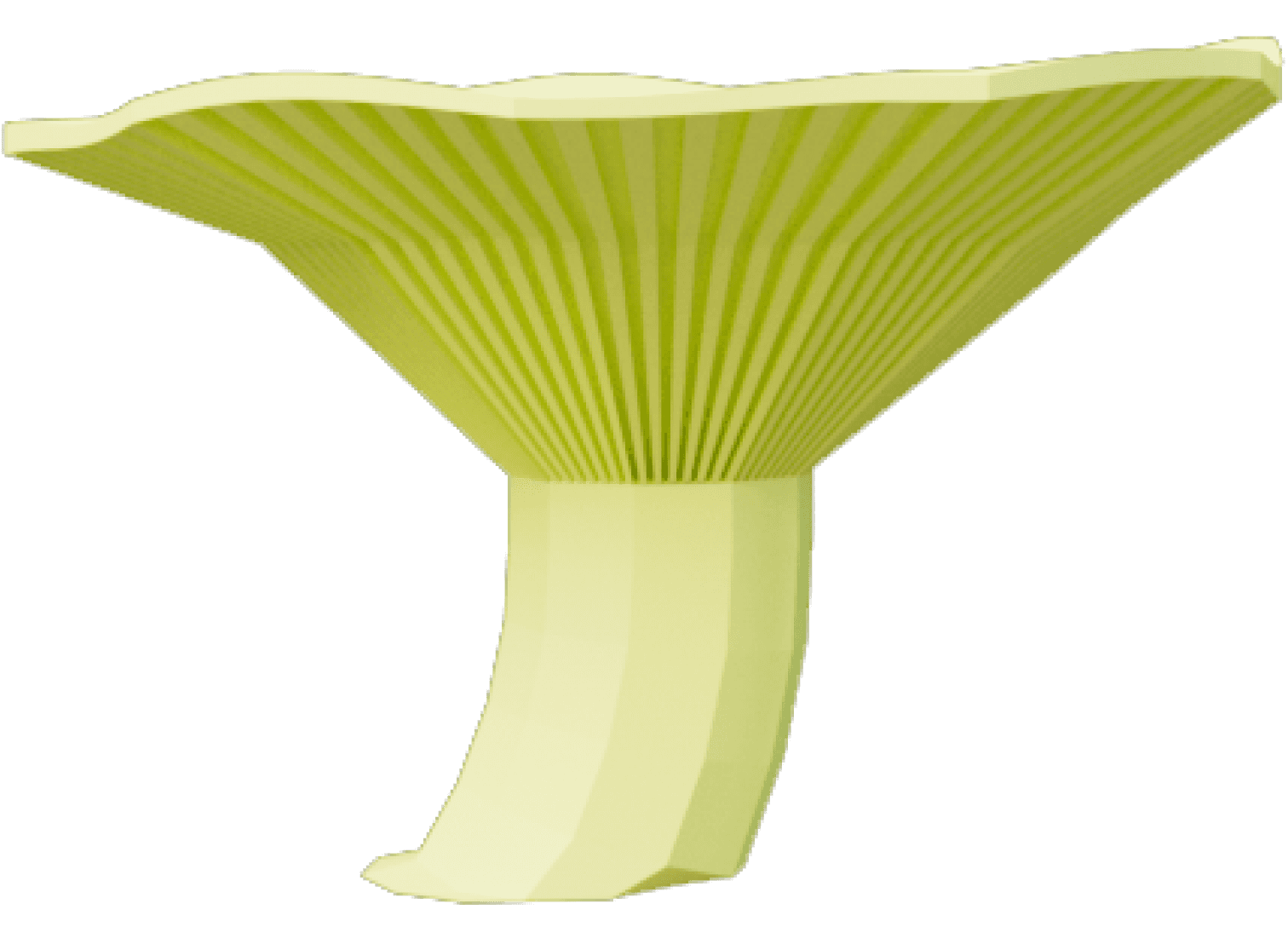
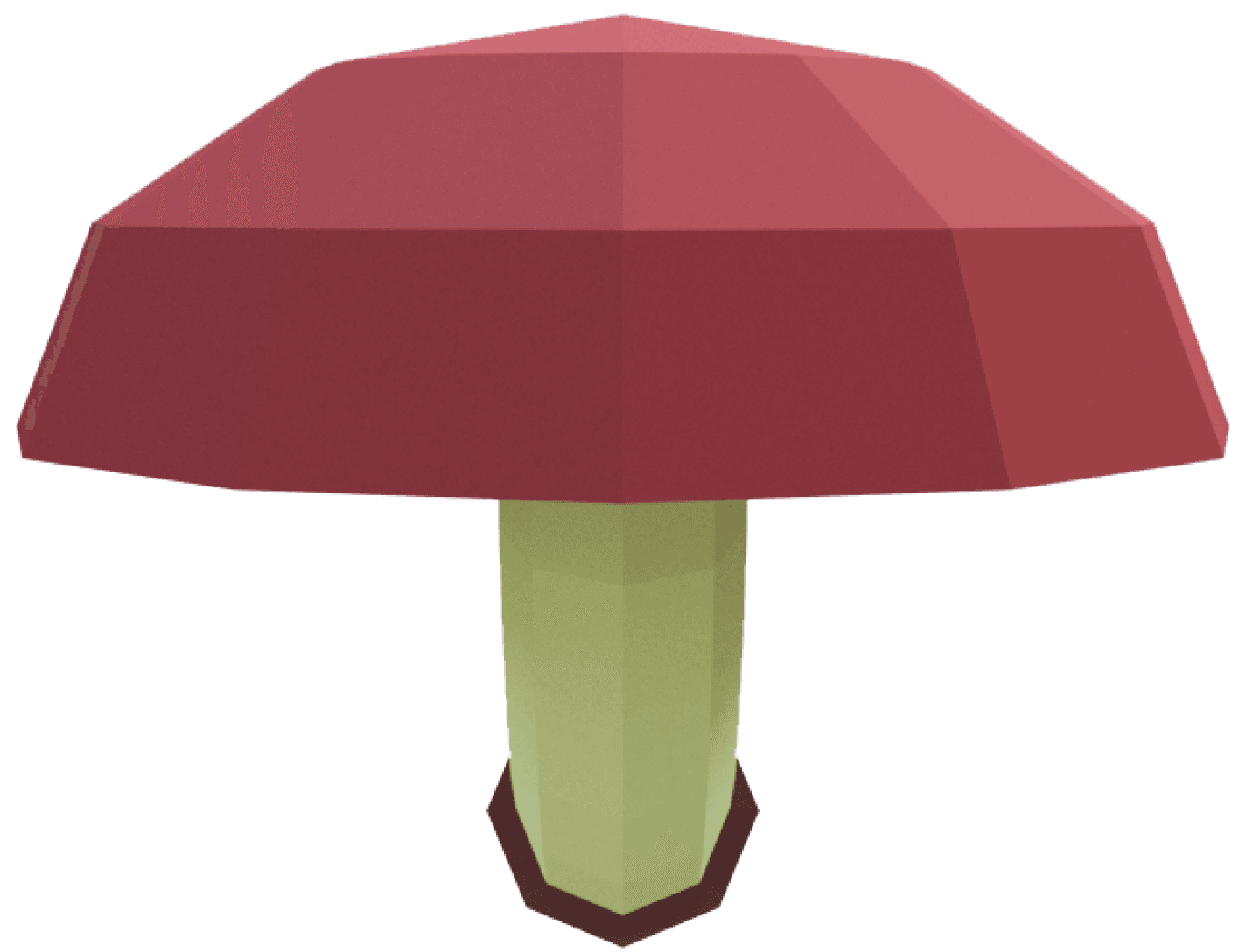
Content Flow
Animated Prototype Flow
Intro Logo Animation
Content:
Forager logo and tagline
Button that links to the experience
Subtle background music and nature audio
Content:
Logo animates in and buttons appear
Interactions:
User can click anywhere on the screen during the animation
Navigation:
Clicking on the screen skips the animation and immediately sends the user to the finished animation on the splash screen
Content:
3D vibrant and low-poly isometric forest
Mushrooms have gentle highlight around them
Subtle background music and nature audio
Content:
Close up view of selected mushroom
Name of mushroom and Explore Mushroom button
Content:
Title of mushroom and associated tagline
Displays the top of the 3D mushroom
Breadcrumbing indicates what screen the user is on and how many they have left
Content:
Full 3D model of mushroom
Text describing brief physical description of mushroom
Interactions
User can click and drag to rotate around the mushroom
User can click the Explore Mushroom button
User can exit back to the virtual woods
Interactions
User drags up or clicks the screen
Interactions
Clicking and dragging rotates the mushroom
Navigation
Subtle arrow or text indicates to user how to continue
Dragging up or clicking transitions to next screen
Scroll or click the breadcrumbing to continue
Navigation
Subtle arrow or text indicates to user how to continue
Dragging up or clicking transitions to next screen
Scroll or click the breadcrumbing to continue
Interactions:
User clicks button to enter the experience
Interactions:
Clicking and dragging rotates the map
Scrolling, arrow keys, or buttons zoom in and out
Mushrooms are clickable
Navigation:
User can access virtual woods by pressing button
Navigation:
Mushrooms act as hotspots; clicking one will zoom to it and select it
Navigation:
Button links to individual mushroom flow
01: Splash Screen
02: Virtual Woods
03: MR Select
04: MR Title
05: MR Description
Splash screen fades out from
center, revealing virtual woods
Individual letters from logo
appear and fit together
User Entry Point
Camera movement; zooms into
mushroom hotspot on 3D map
Entire screen pans up; mushroom
title and tagline fade in from below
as 3D mushroom rises from off screen
3D mushroom shrinks and settles left
as description fades in from below
Content:
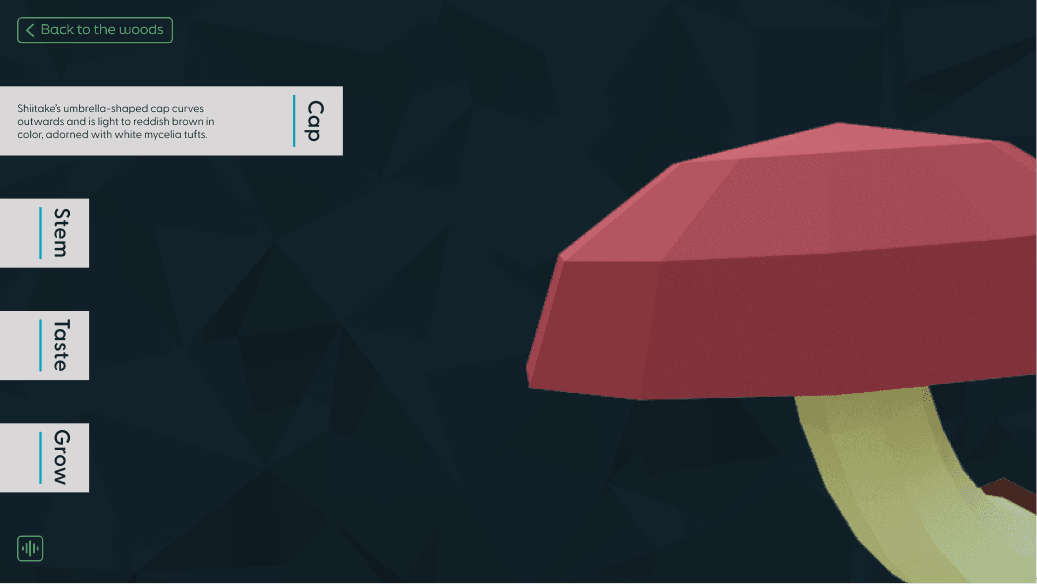
Full 3D model of mushroom
Headers representing different mushroom features
Content:
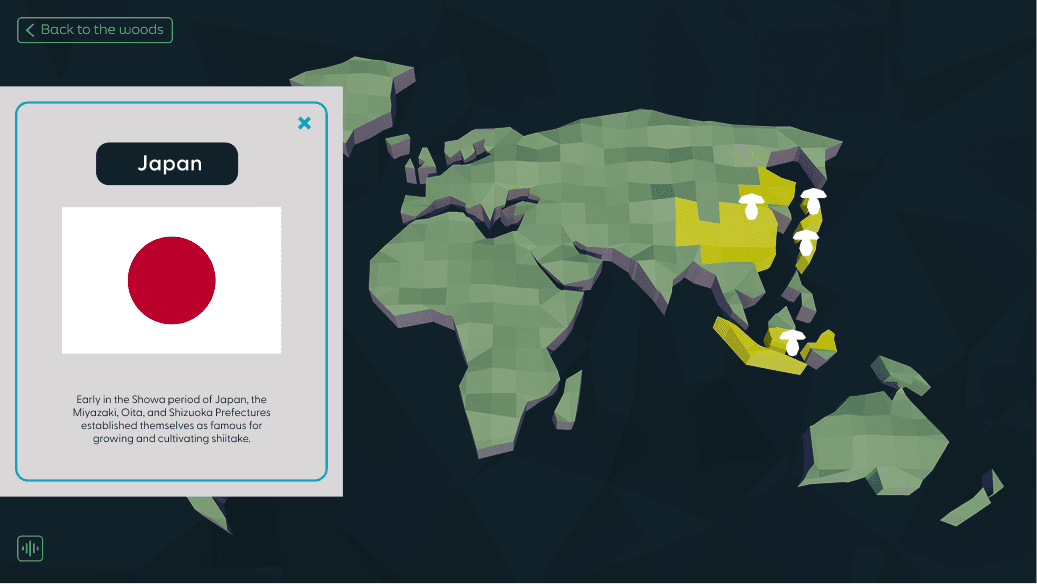
Basic map of the world with highlighted parts depending on where the mushroom can be found
Content:
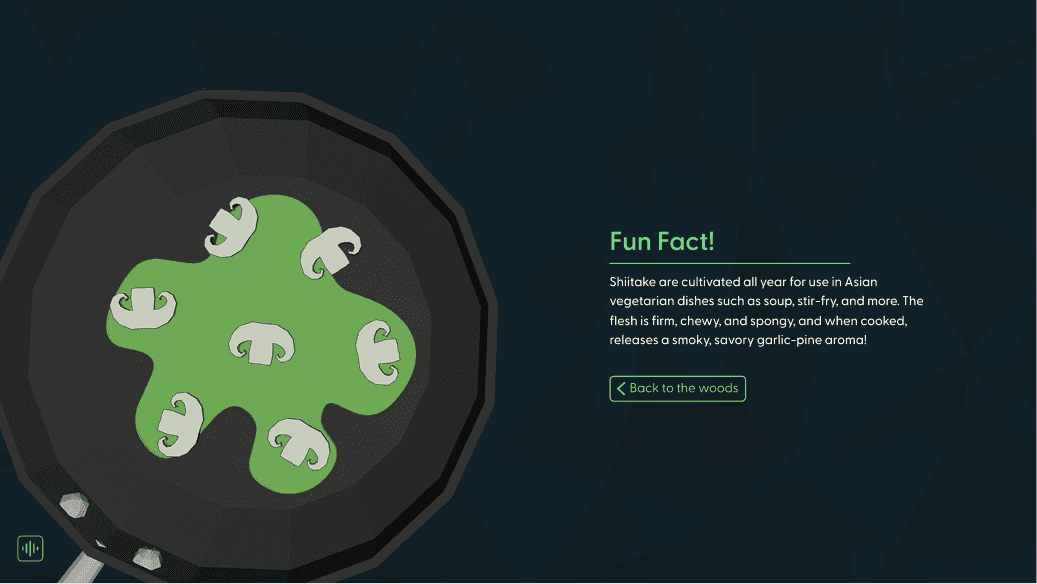
Simple 3D graphic related to the use or fact
Description on the fact and use
Button that leads back to the main virtual woods screen becomes a main focus
Button that leads to the Forager’s Guide
Content:
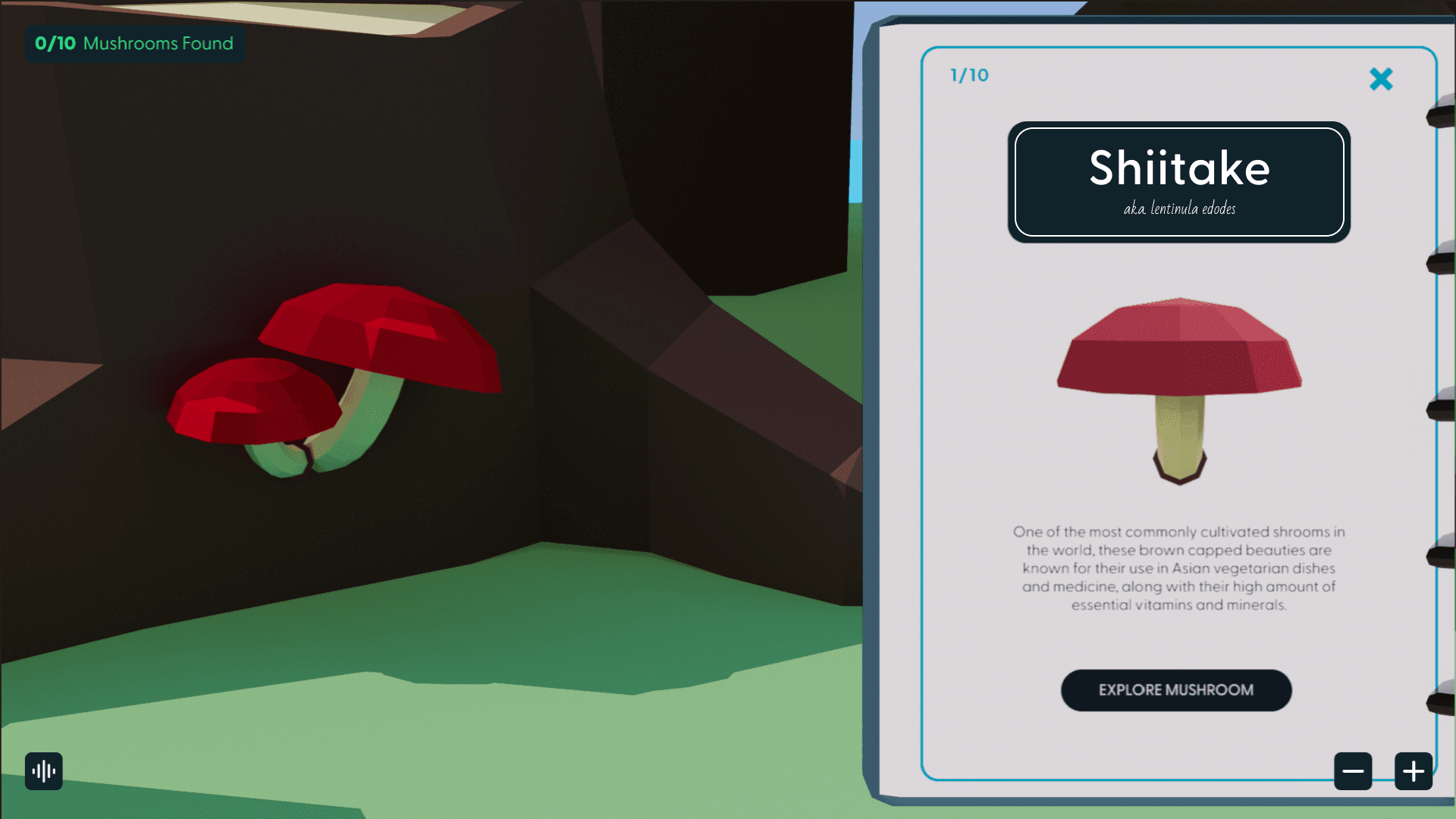
Book-like UI, featuring condensed information about the mushroom as well as a picture of its model
Interactions:
The user can read the information before returning to the main menu or the Forager’s Guide
Interactions
User can drag, click a button, or use arrow keys to turn pages
Clicking and dragging on the mushroom will rotate it
Navigation
User can navigate back and forth between pages
User can exit the Forager’s Guide anytime
Interactions:
User can click and drag the mushroom to rotate it
Hovering over one of the feature headers expands it and gives text descriptions
Interactions:
Hovering over a highlighted area will reveal the name of the location
Clicking will zoom in and provide additional information
Navigation:
When a user hovers over a feature, it expands and remains that way as long as their cursor is over the feature
Scroll or click the breadcrumbing to continue
Navigation:
The user can click the highlighted areas of the map to zoom in and out of it
Scroll or click the breadcrumbing to continue
Content:
Clicking buttons link to other screens
Scroll or click the breadcrumbing to view previous screens
06: MR Features
07: MR Location
03: MR Use Fact
05: Forager’s Guide
Clouds envelop the screen and
fade away to reveal the map
Mushroom centers in screen
as details appear around it
Mushrooms disappears and other
related graphic appears from the side
Entire screen pans up; mushroom
title and tagline fade in from below
as 3D mushroom rises from off screen
Sitemap
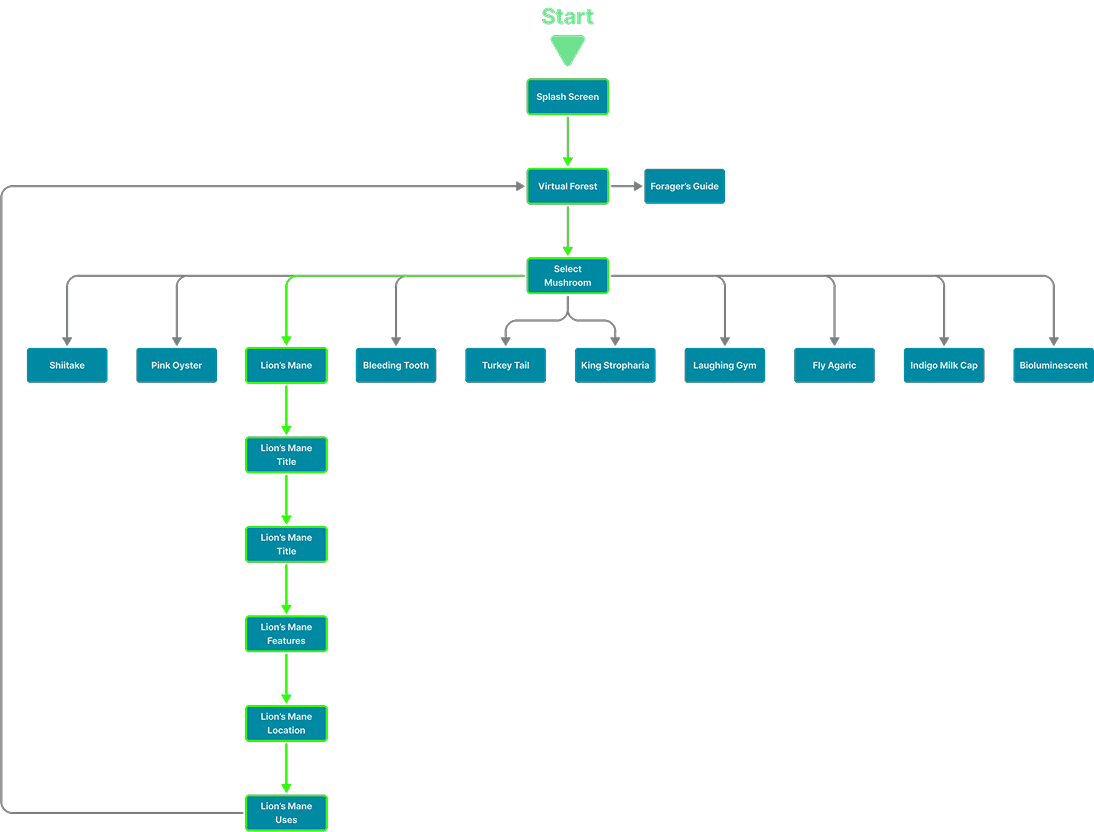
Final Visual Comps
Title Screen
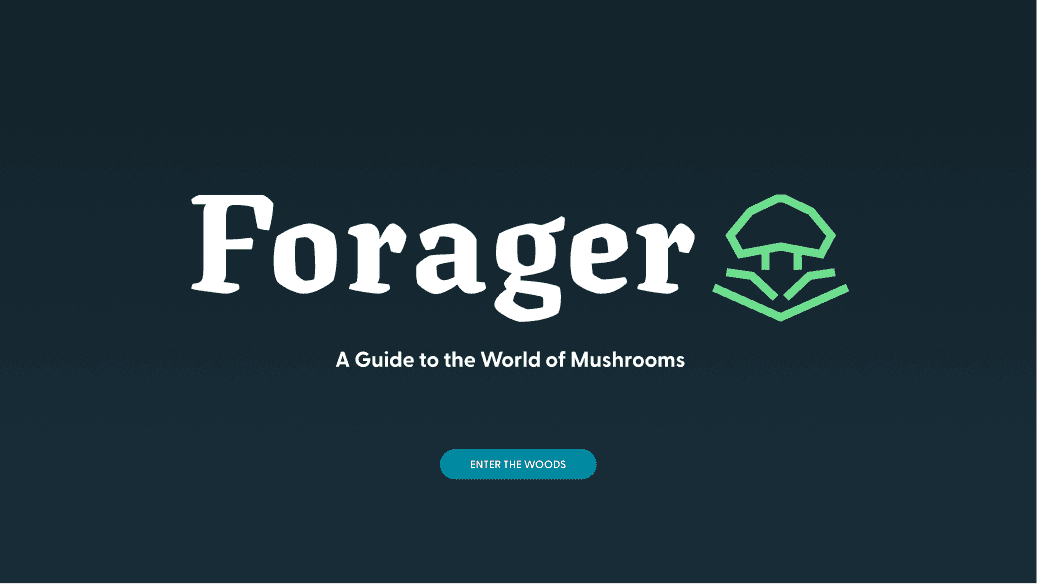
Title Screen
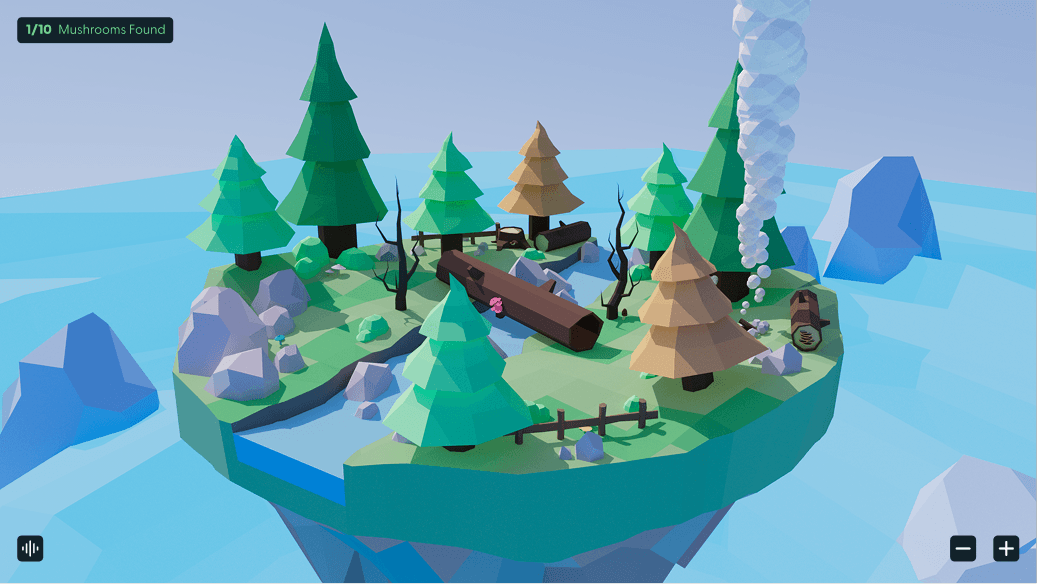
Hotspot
Splash

Mushroom Features
Mushroom Map
Mushroom Fun Fact
© Copyright Dayne Stein 2024
Like whatcha see?
Let's get in touch!