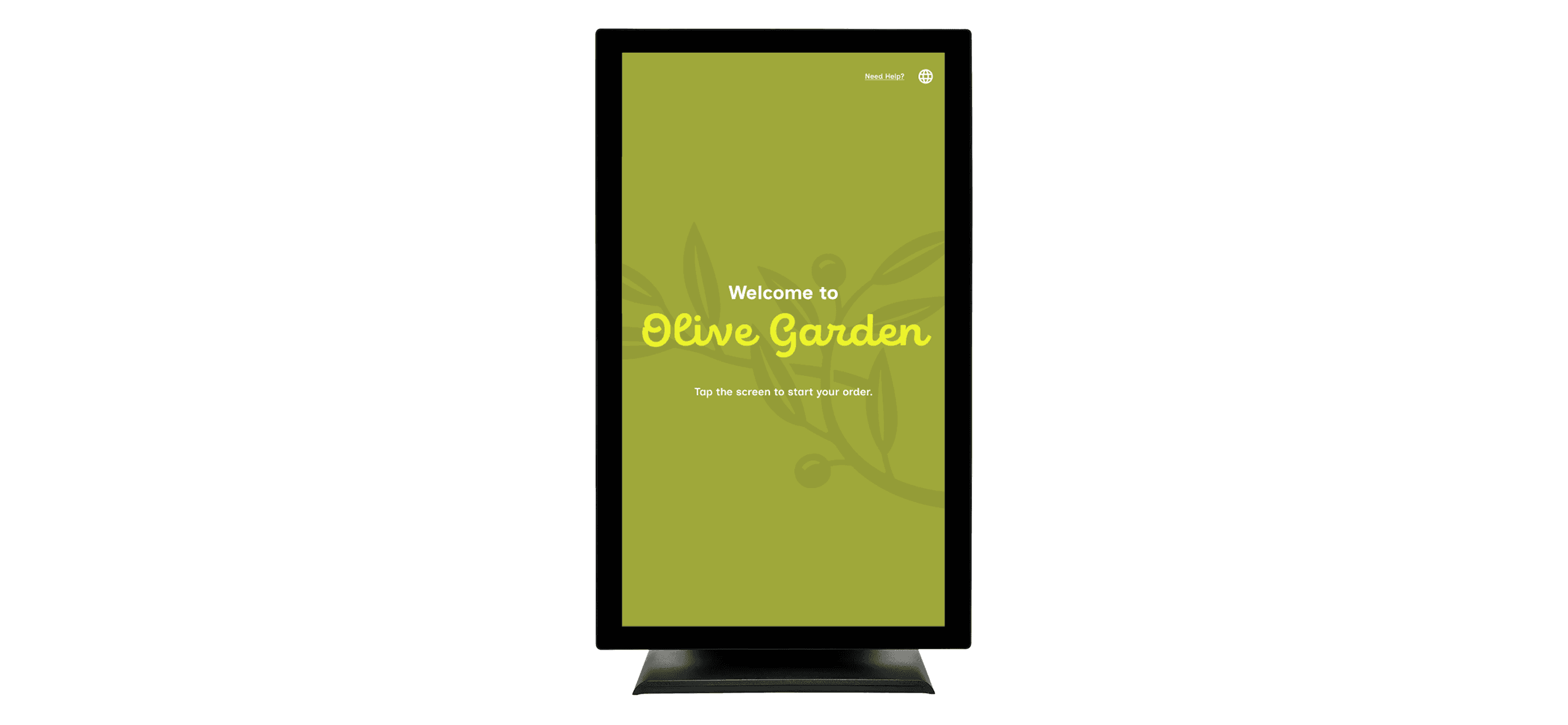
A Kiosk for Olive Garden
Year
2025
Medium
UI/UX, Interaction
Tools
Figma, After Effects
Duration
~4 Months
A Kiosk for Olive Garden is a project with the intention of creating an interactive digital experience allowing users to order takeout from the Italian-American dining restaurant, Olive Garden.
Overview
Olive Garden is a casual dining restaurant that specializes in Italian-American cuisine. Due to the chain’s traditional, family-styled values, a typical sit-down meal at Olive Garden is very organized, with a structured ordering flow facilitated by direct interaction between server and customer.
However, Olive Garden also allows for takeout, a process that mostly removes the traditional sit-down and eat dining experience, along with that direct customer to server interaction. This kiosk aims to provide the same brand and welcoming feeling to that of actually dining within the establishment while ordering through a digital interface.
Design Opportunities
How can we provide an intuitive, interactive interface that allows users to easily order their favorite Olive Garden menu items to-go from within the restaurant itself?
Simple navigation, flexibility, error prevention, and more will allow users to intuitively travel through the interface while avoiding as much error and frustration as possible.
How can we provide an intuitive, interactive interface that allows users to easily order their favorite Olive Garden menu items to-go from within the restaurant itself?
How can we provide an intuitive, interactive interface that allows users to easily order their favorite Olive Garden menu items to-go from within the restaurant itself?
UX Research
First, I decided to seek out and observe what already existed by conducting a heuristic evaluation. The purpose was to analyze an existing ordering kiosk to discover what was done right and what was done wrong. The goal was to apply the successful elements to my own design, while improving on the unsuccessful ones. For this project, I chose to conduct a heuristic evaluation on the American fast-food chain, Shake Shack. I ranked each heuristic on a Severity Rating Scale, where they were awarded a grade based a mix of positives and negatives.
0 - Usability catastrophe, few to no positives, F
1 - High usability issues, negatives outweigh positives, D
2 - Decent balance between positives and negatives, C
3 - Low usability issues, positives outweigh negatives, B
4 - Low to no usability issues, high positives, A
Here are the results of each heuristic:
Many elements have consistent treatment, but some, such as exit and back buttons are inconsistent in design and placement.
While the interface is vision friendly, the use of a physical tablet makes the kiosk somewhat inaccessible for wheelchairs.
Warning messages are displayed after certain actions to prevent error, but it’s also possible to order an absurd amount of the same item.
The kiosk features an organized layout with a consistent, clean color palette that sticks to Shake Shack’s branding.
While some instructions are naturally built into the UI, there is a lack of an actual “Need Help?” button anywhere in the interface.
Most actions, such as adding items or opening pages, can be undone, and it is clear how to do so.
Some elements display information like prices and item counts for the convenience of the user, but other things are unlabled.
Icons and language used are recognizable, appropriate for the context, and easy to understand.
While some buttons convey where they lead to, others don’t, and there are sometimes far too many on a single screen
Match System & Real World
User Control & Freedom
Consistency & Standards
Error Prevention
Recognition Rather than Recall
Flexibility & Efficiency of Use
Aesthetic and Minimalist Design
Recognize, Diagnose, & Recover
Help & Documentation
Lots of good indicators on user response triggers, but some indicators could be made more noticeable.
Visibility of System Status
B
B
B
B
C
C
C
A
A
D
Overall, the evaluation taught me that what I should prioritize in ordering kiosk, including a clean and minimalist design, accessibility, and a clear user interface that either minimizes the potential for user error, or allows for easy correction.
Physical Aspects
This product was designed to function on an Iiyama ProLite T2234MSC-B7X screen. With a native resolution of 1080x1920, the vertical nature of the screen was designed to resemble the shape of a physical menu.
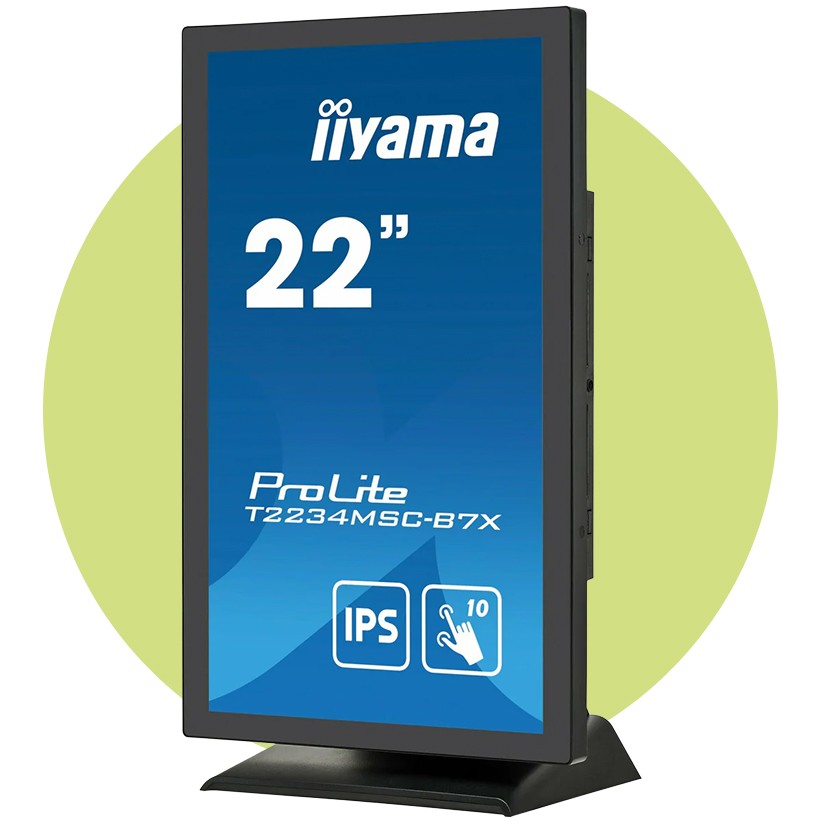
Additional hardware considerations include an adjustable stand would allow the kiosk to tilt up and down, an easily accessible credit card reader attached to the bottom, ports for power, HDMI, USB, and display, a camera attached to the bottom for scanning coupons, and an audio jack that allow hard of sight users to plug in headphones for screen reading.
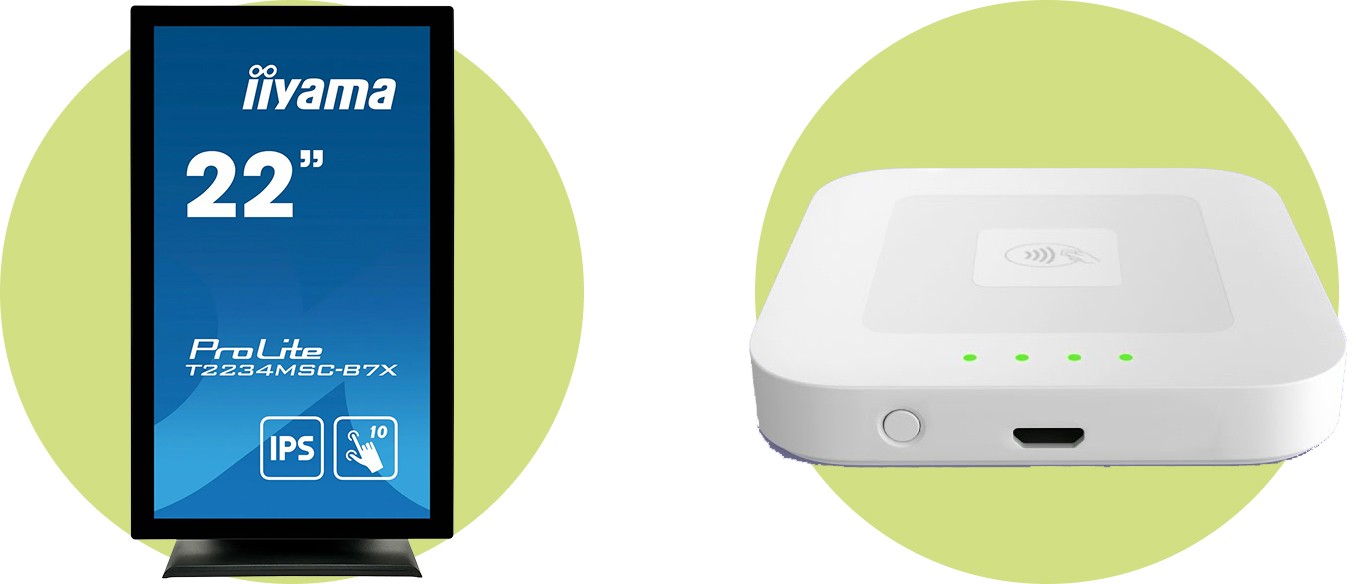
Iiyama ProLite T2234MSC-B7X
Apple Square Contactless Card Reader
Price: $599.99
Price: $59.00
Workflow Diagrams
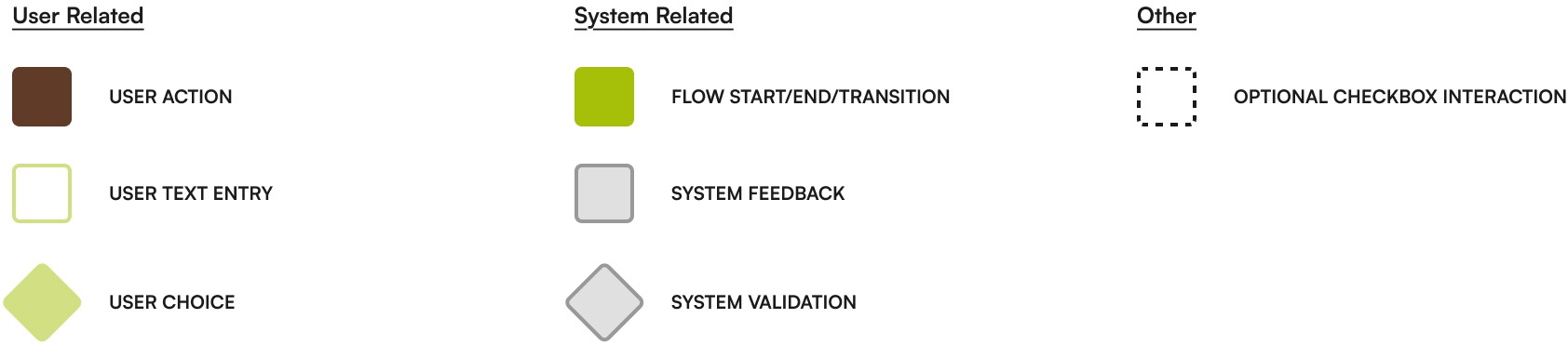
Selecting & Ordering
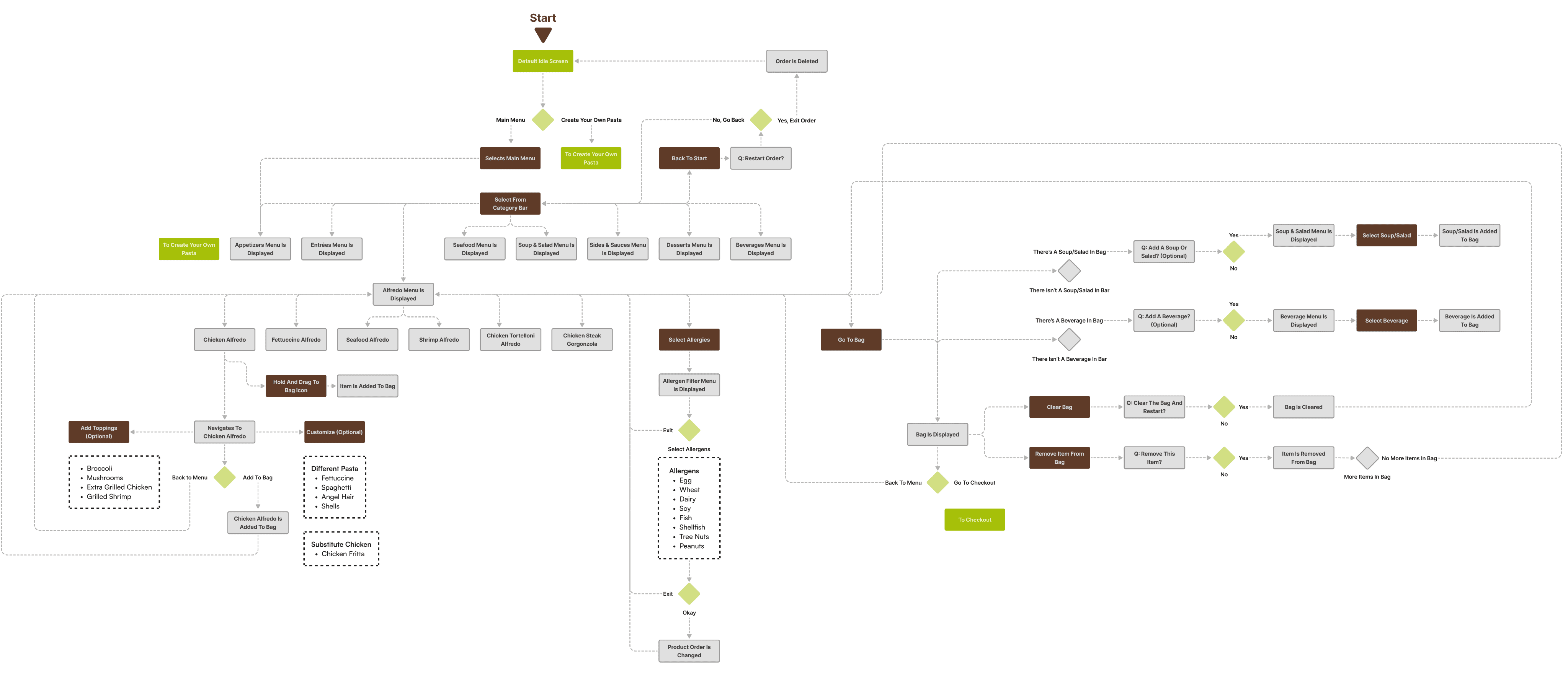
Create Your Own Pasta
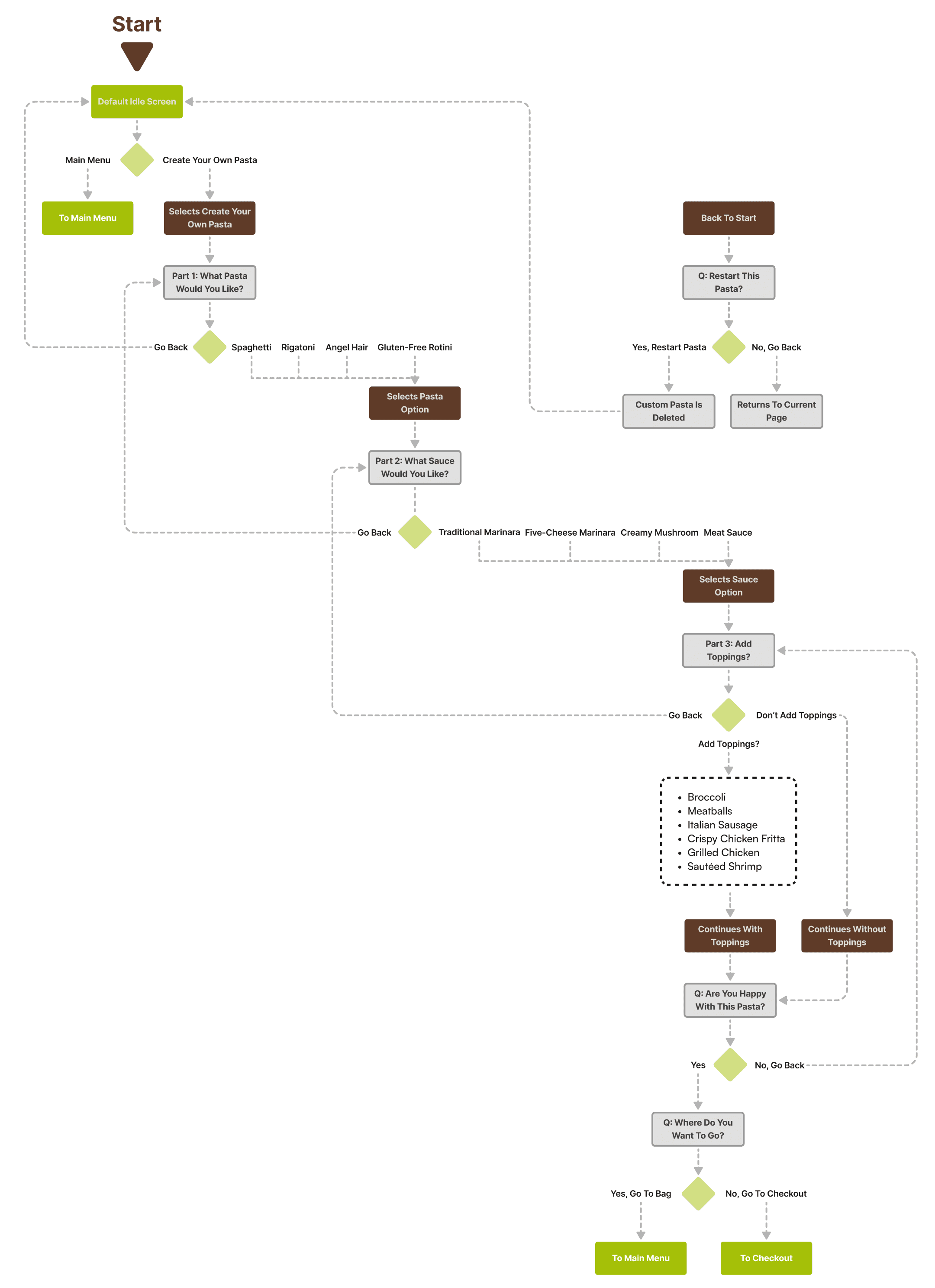
Checkout
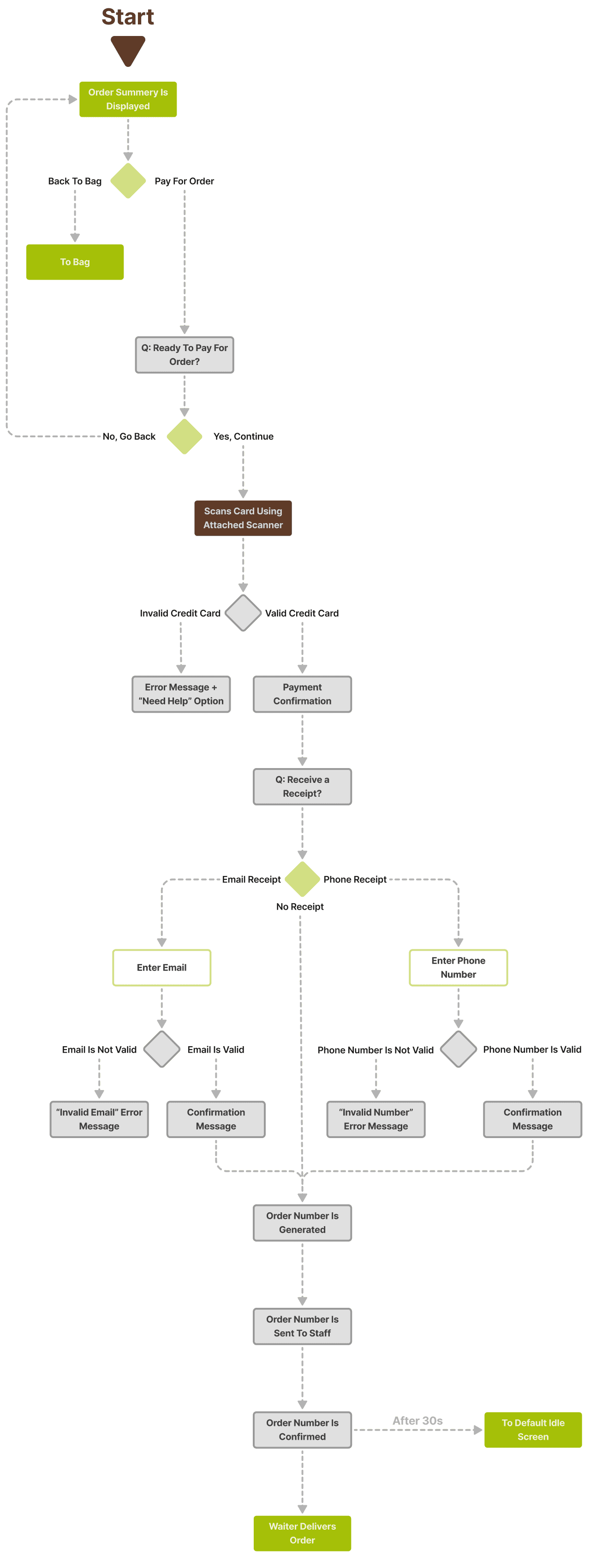
Additional Flows
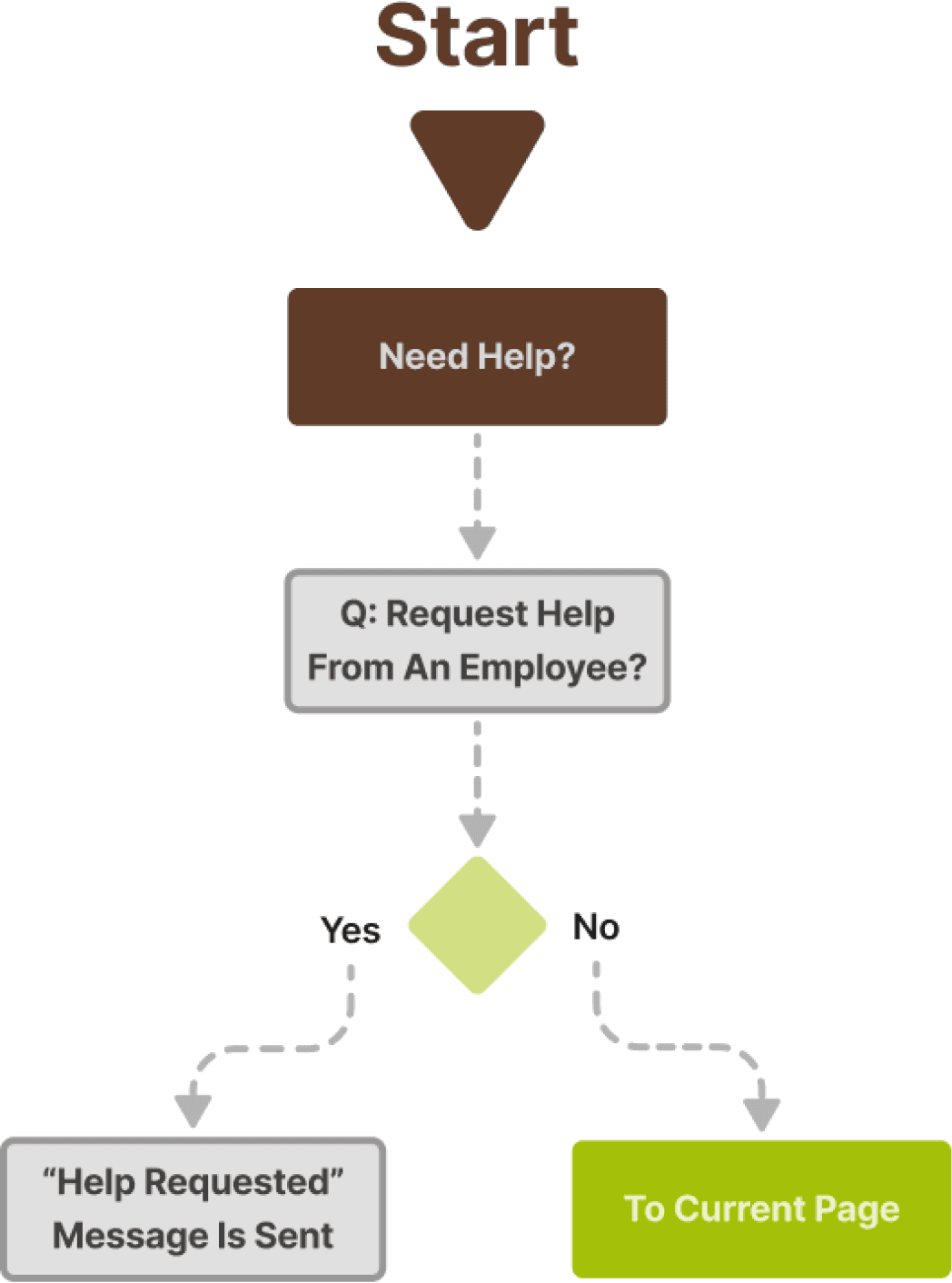
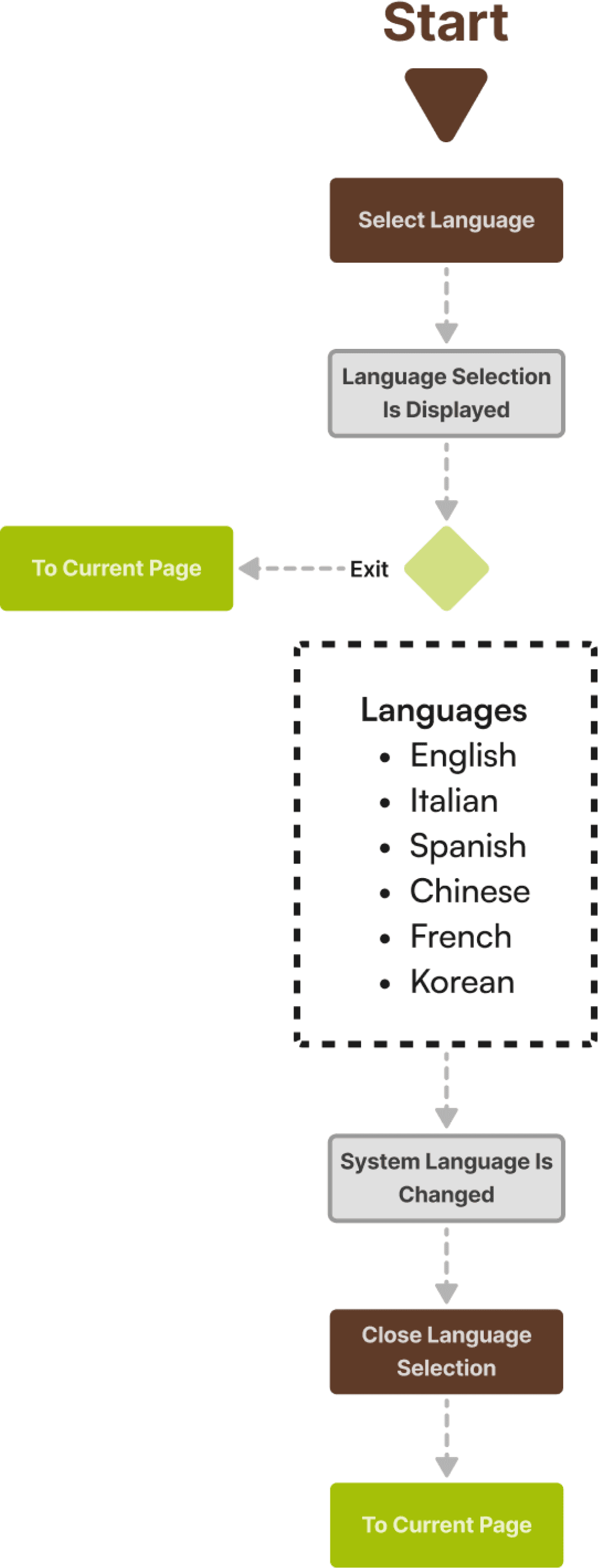
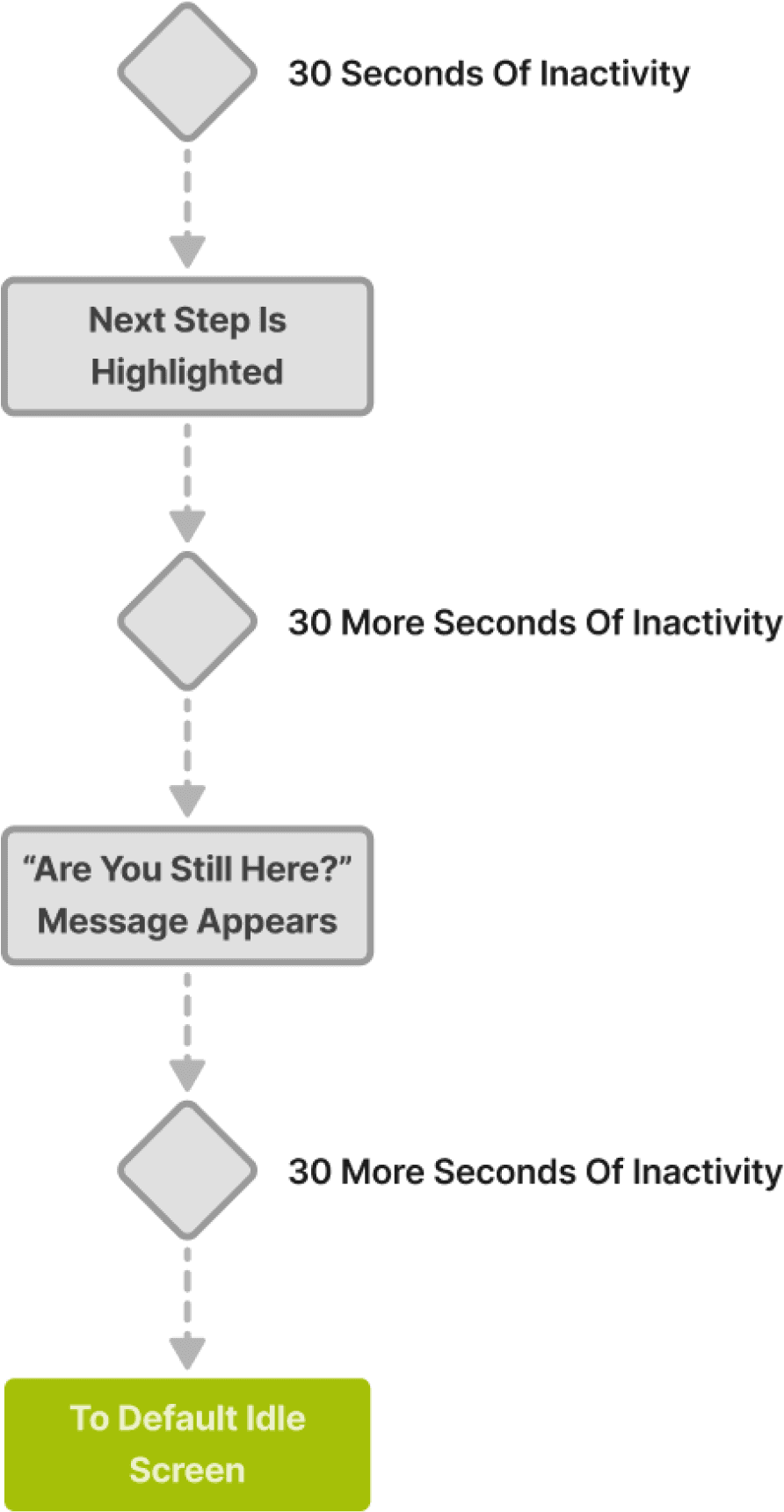
Inactivity
Select Language
Request Help
Final Visual Comps
Introductory Screens
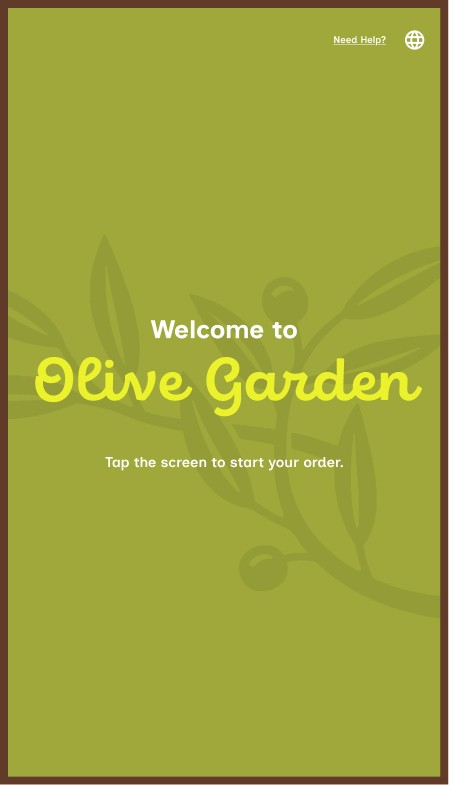
Splash Screen
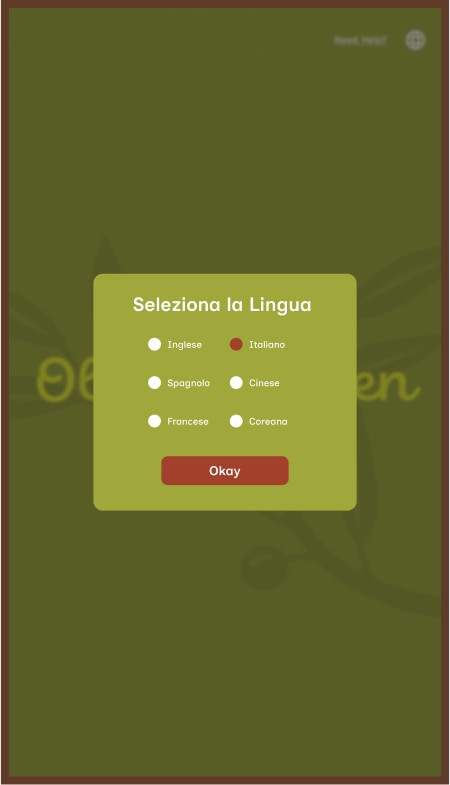
Select Language
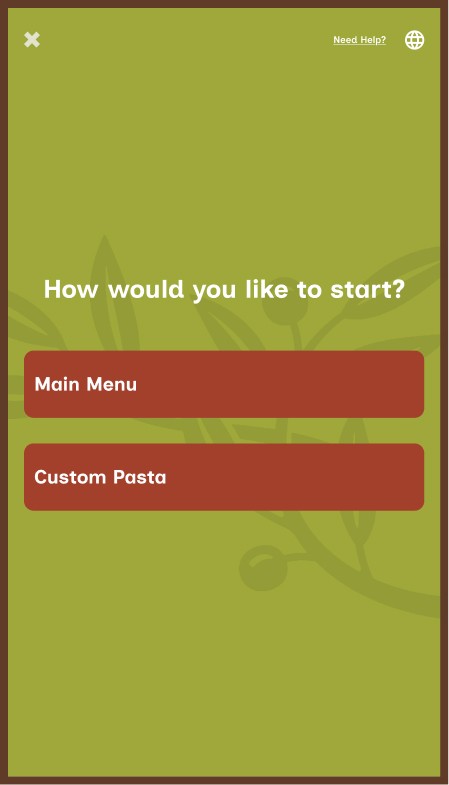
Select Flow
Main Menu
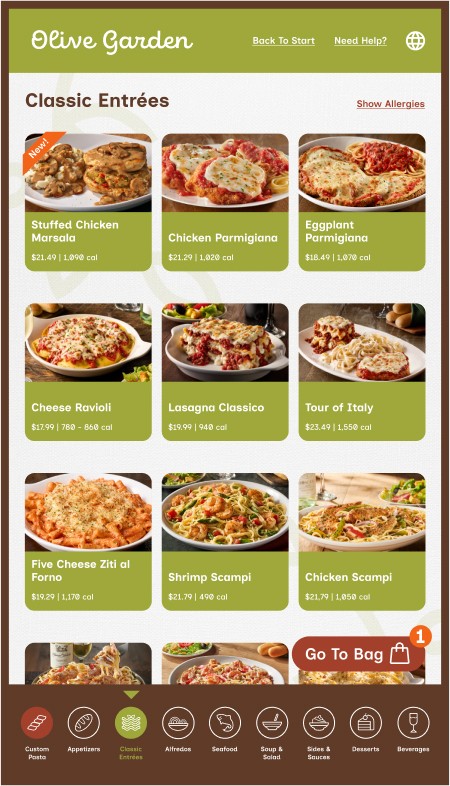
Category View
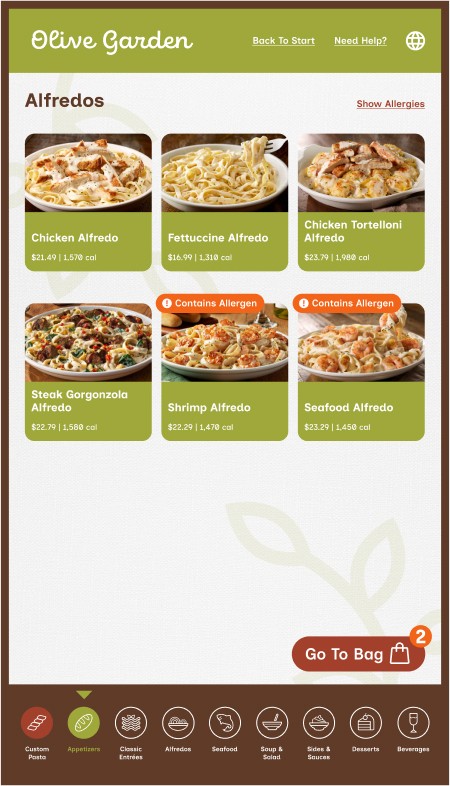
Select Allergens
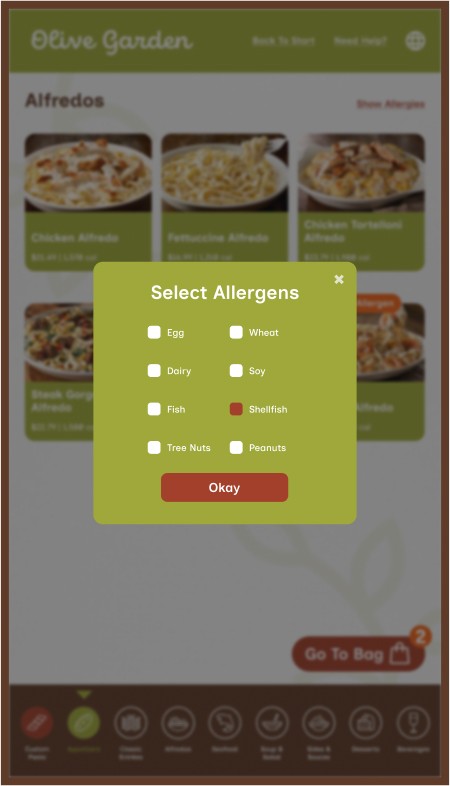
Category View w/ Selected Allergens
Products
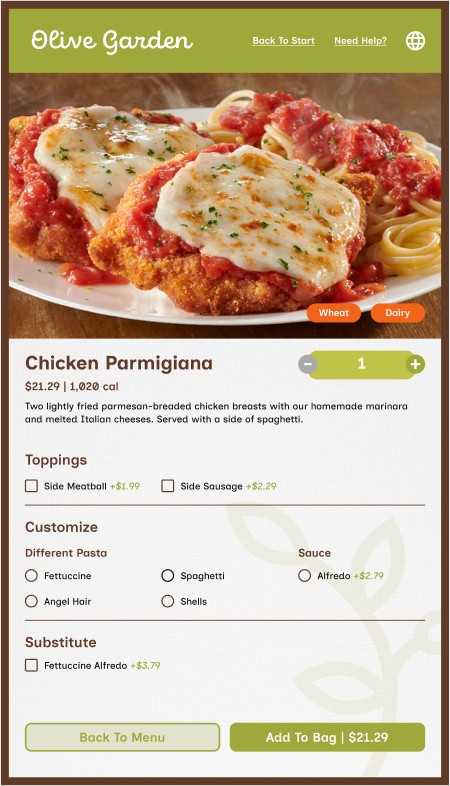
Product View
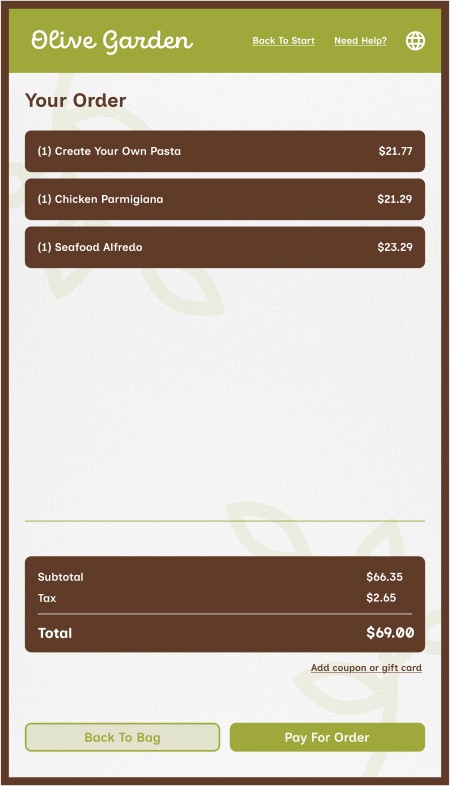
Bag View
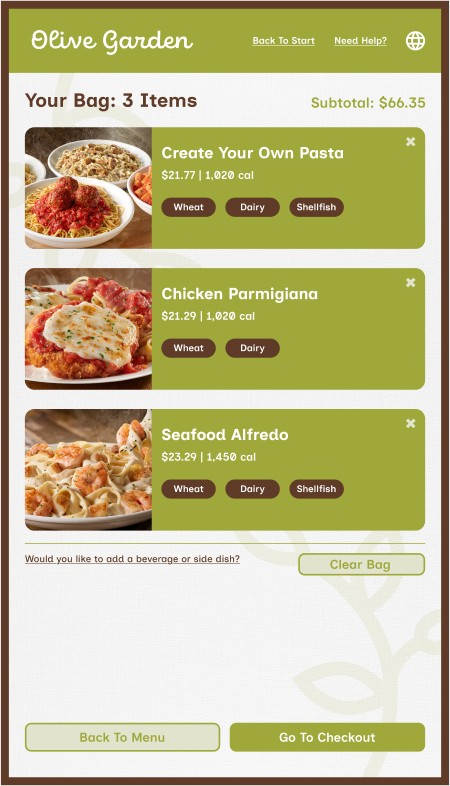
Order Summary
Checkout
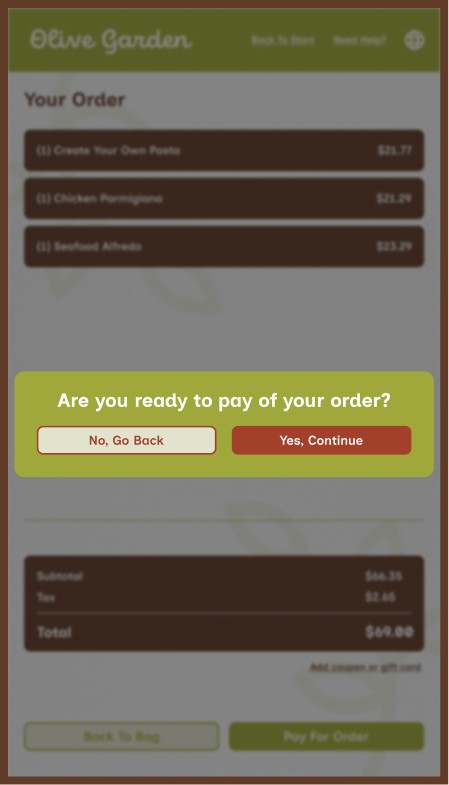
Enter Financial Transaction
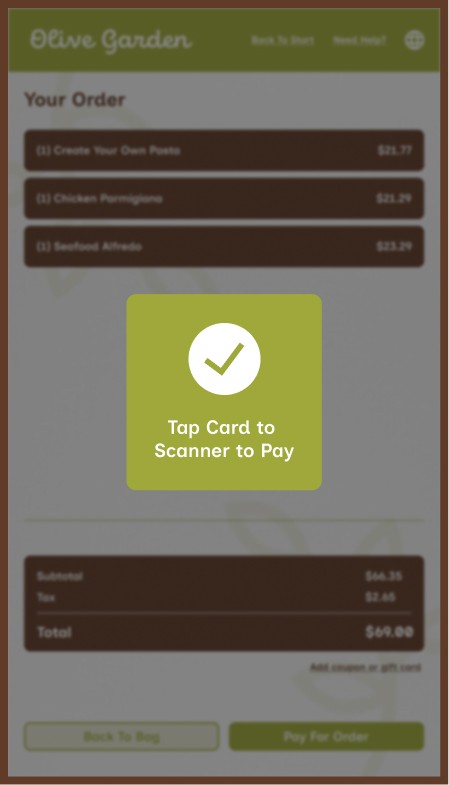
Scan Card
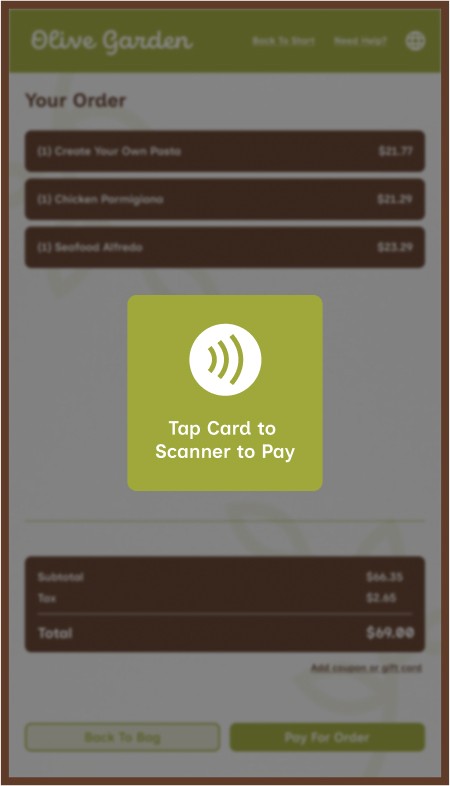
Payment Confirmation
Custom Pasta
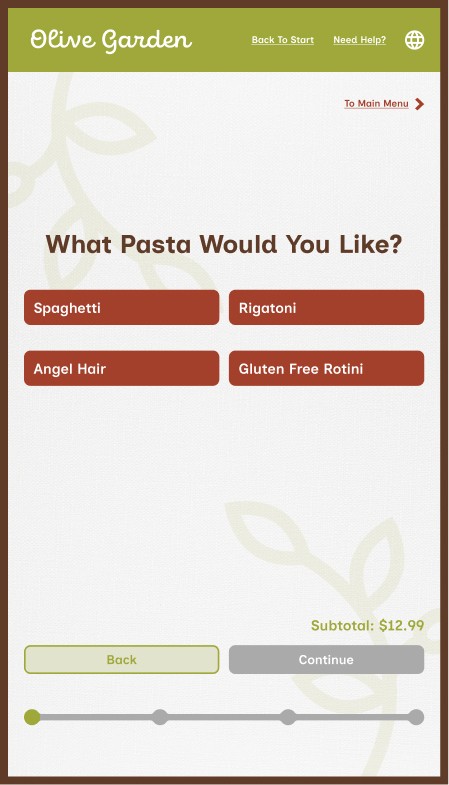
Choose Pasta
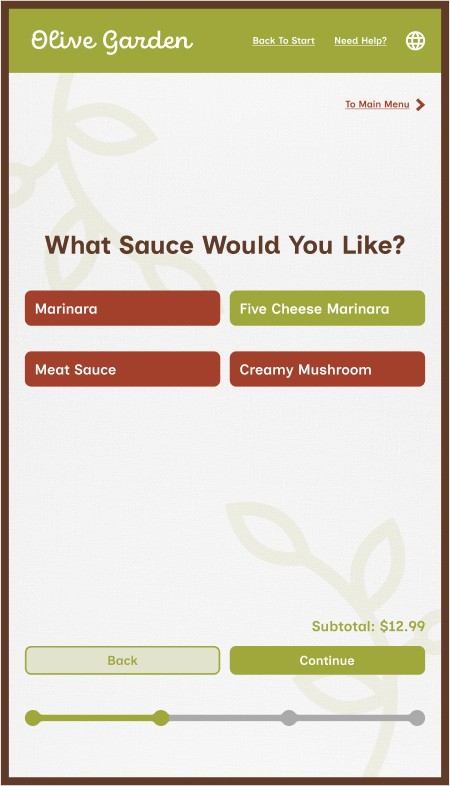
Choose Sauce
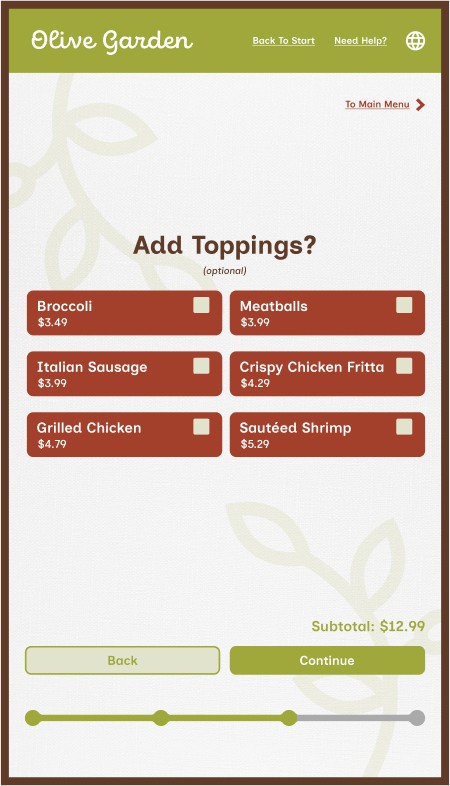
Choose Toppings
Custom Pasta
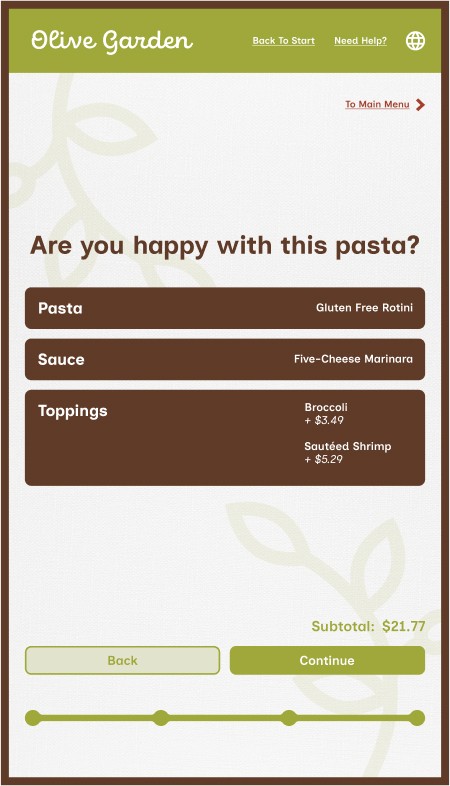
Pasta Creation Confirmation
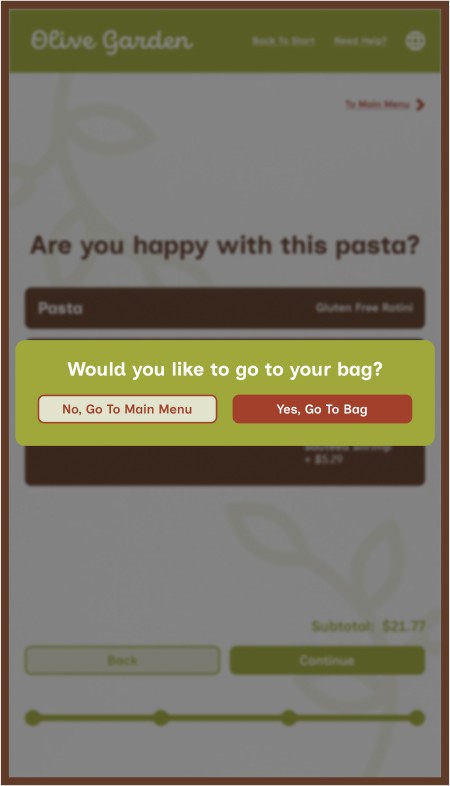
Select Next Steps
Receipt
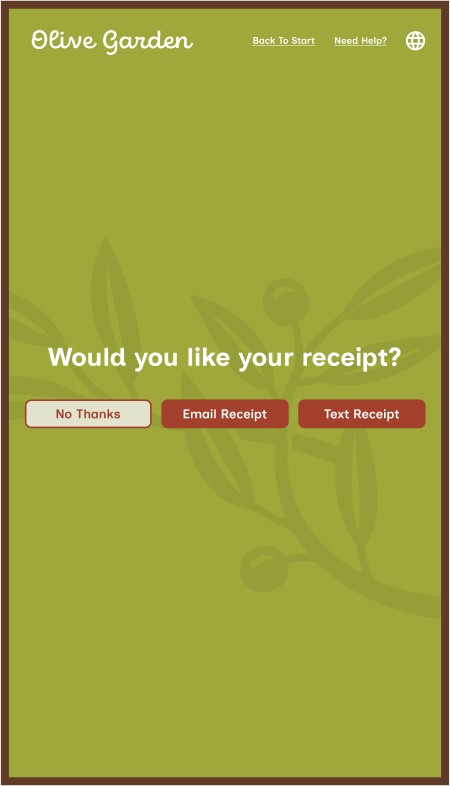
Choose Receipt
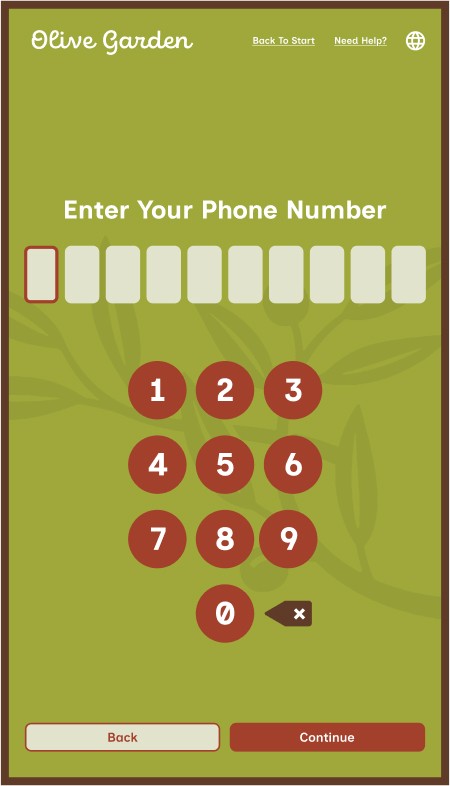
Enter Phone
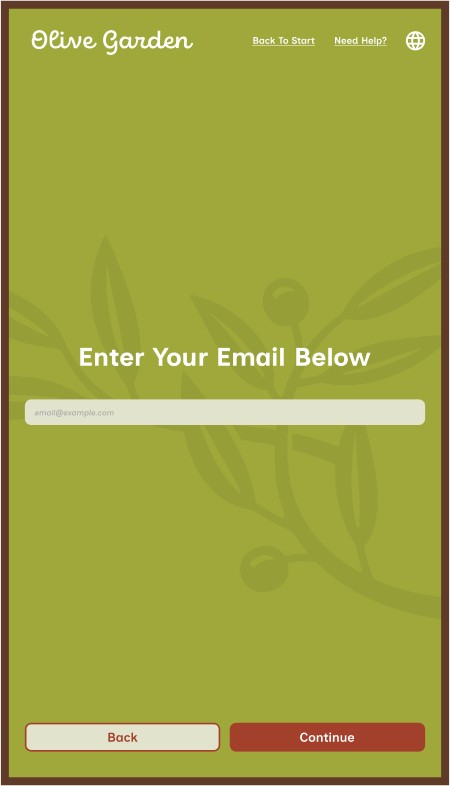
Enter Email
Order Confirmation
Order Confirmation
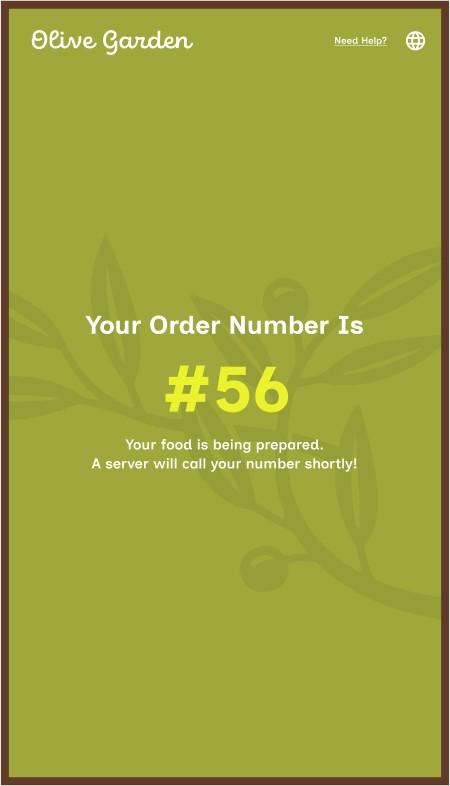
Conclusion
Overall, the Olive Garden To-Go Kiosk proved successful in providing and intuitive interactive experience through it’s straightforward and easy to understand navigational flow, and maintaining the establishment’s visual brand and value through its stylization, self paced flow, and user language.
© Copyright Dayne Stein 2024
Like whatcha see?
Let's get in touch!